
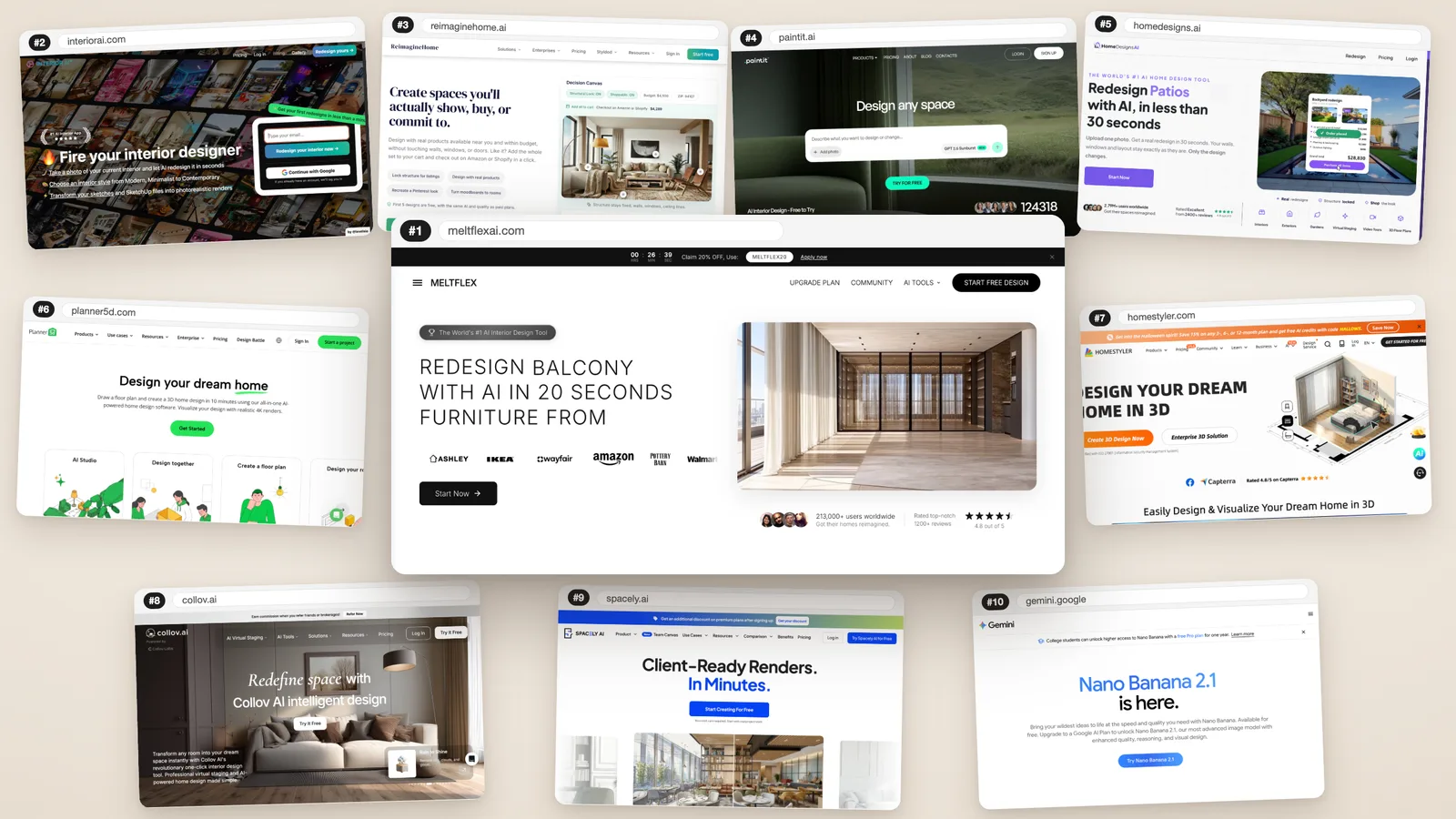
Most "best AI interior design tools" lists rank by vibes, or are written by one of the tools on the list. We used one test that actually separates them: give the tool a photo of a real, slightly tired room and see whether what comes back is still yourroom. Same window, same door, same proportions, with furniture you could go and buy. Then we read every vendor's own pricing page, on 17 October 2026, so the numbers below are what you would pay today.
Our articles are still written by humans!
Get human written articles in your Google feed.
The short answer
If you want to see your own room redesigned from a phone photo and then buy what you see, use MeltFlex AI. If you need hundreds of variations a month, for staging listings in bulk, Interior AI gives the most designs per dollar. If you want to try before you pay anything, Paintit.ai has the most generous free tier. If you are moving walls or planning a layout to the centimetre, start in Planner 5D. Everything else on this list is a good tool for a narrower job, and we say which.
How we ranked them
We scored every tool on five things, in this order of weight:
- Does it keep the room?Walls, windows, doors and camera angle should survive the redesign. If they don't, the picture can't tell you whether a sofa fits under that window.
- Is the furniture real?A design you can shop is worth far more than one full of pieces that don't exist.
- What does a month of real use cost? We translated credits into designs wherever the vendor publishes enough to do it.
- Can you try it free? And how far does the free tier really get you.
- Range. Kitchens, bathrooms, exteriors, staging, floor plans: how many of the jobs you will actually have does it cover.
The ranking at a glance
Prices as listed on each vendor's own page, 17 October 2026
| # | Tool | Best for | Free option | Paid from | Keeps walls & windows |
|---|---|---|---|---|---|
| 1 | MeltFlex AI | Redesigning your real room and buying the look | First design free | €12/mo yearly, €19 monthly | Yes, by default |
| 2 | Interior AI | High-volume variations and staging | None | $29/mo yearly, $49 monthly | Yes, in style-transfer modes |
| 3 | REimagineHome | Shoppable photo redesigns | 5 designs | $14/mo (plan not specified) | Claimed on Pro and above |
| 4 | Paintit.ai | Trying AI design for free | 30 credits | $14.99/mo | Claimed |
| 5 | HomeDesigns AI | Cheapest paid redesigns | 3 credits per 24 h | $9/mo yearly, $22 monthly | Claimed |
| 6 | Planner 5D | Accurate layouts and floor plans | Yes, without AI | $59.99/yr, $19.99 monthly | Yes, you model them |
| 7 | Homestyler | Budget 3D editor plus AI | 3 AI credits | about €6/mo | Yes in 3D; not stated for photos |
| 8 | Collov AI | Real-estate staging | Watermarked trial | $19/mo yearly | Not claimed |
| 9 | Spacely AI | Architects rendering CAD models | 40 trial credits | about $25/mo | Yes from your model |
| 10 | Google Gemini | Free quick edits | Yes, limited | $4.99/mo | No promise |
The 10 tools, one by one
1. MeltFlex AI: best overall
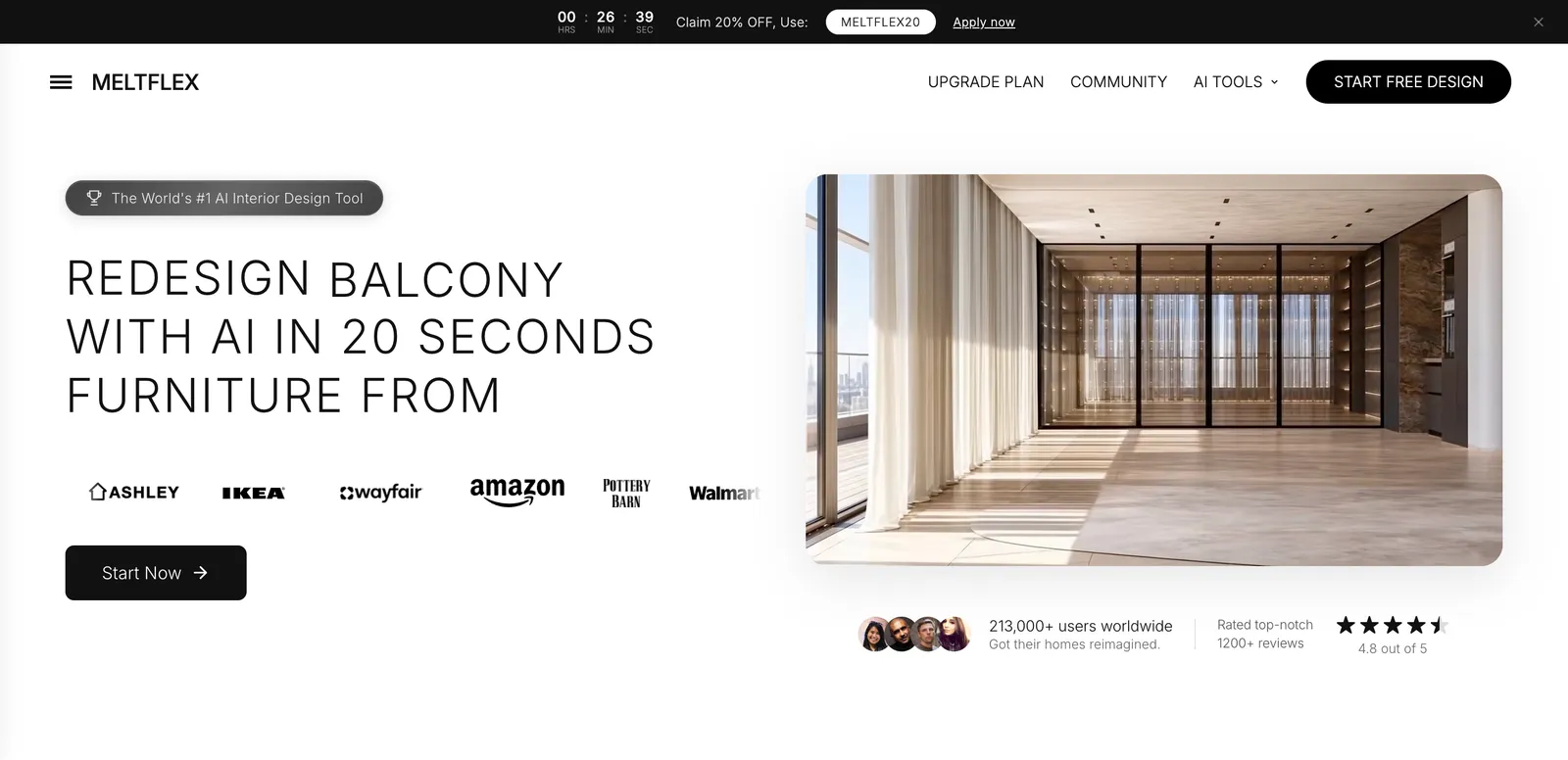
MeltFlex does the job most people actually come to these tools for: you upload a photo of your room, pick the room type and a style, and about 20 seconds later you get your room back redesigned, with the walls, windows and camera angle kept. What sets it apart is what happens next. The furniture in the design is matched to real products from nine stores, IKEA, Amazon, Wayfair, Walmart, West Elm, Pottery Barn, Costco, Rooms To Go and Ashley, with prices compared across them, so a design turns straight into a shopping list.
It is also the widest tool here. Beyond whole-room redesigns there are dedicated tools for kitchens, bathrooms, exteriors, gardens, walls, floors, stairs, doors and windows, plus virtual staging for empty rooms, style transfer from a reference photo, a furniture changer, floor plan to 3D and video walkthroughs. For developers and agencies there is an API, a CLI and an MCP server, so it can run inside other apps or from an AI assistant.
Price: your first design is free with no card (free renders carry a small watermark). Standard is €19 a month, or €12 a month billed yearly, for 490 credits, up to about 100 renders and 10 saved projects, with no watermark and the full nine-store catalog. Pro is €59 a month, or €24 a month yearly, for 2,250 credits, up to about 340 renders, 30 projects, 4K output and commercial use. Team plans are priced per seat. Checkout uses your local currency where supported.
Where it falls short:the preset styles play it safe. Our first run, with only the "Modern" preset and a palette picked, kept the room perfectly but changed too little. A written brief ("cream bouclé sofa, round walnut coffee table, wool rug, linen curtains") made all the difference, so budget a minute to describe what you want. Credits per render vary by model and quality (our two runs used 18 and 15), so the "up to" render counts are a ceiling, not a promise. Commercial use needs Pro. And the user numbers on its site (213,000+ users, 4.8 from 1,200+ reviews) are its own figures, not independently audited.
Best for: homeowners and renters planning a real change, designers who want fast concepts with buyable pieces, and agents staging listings.
2. Interior AI: best for volume
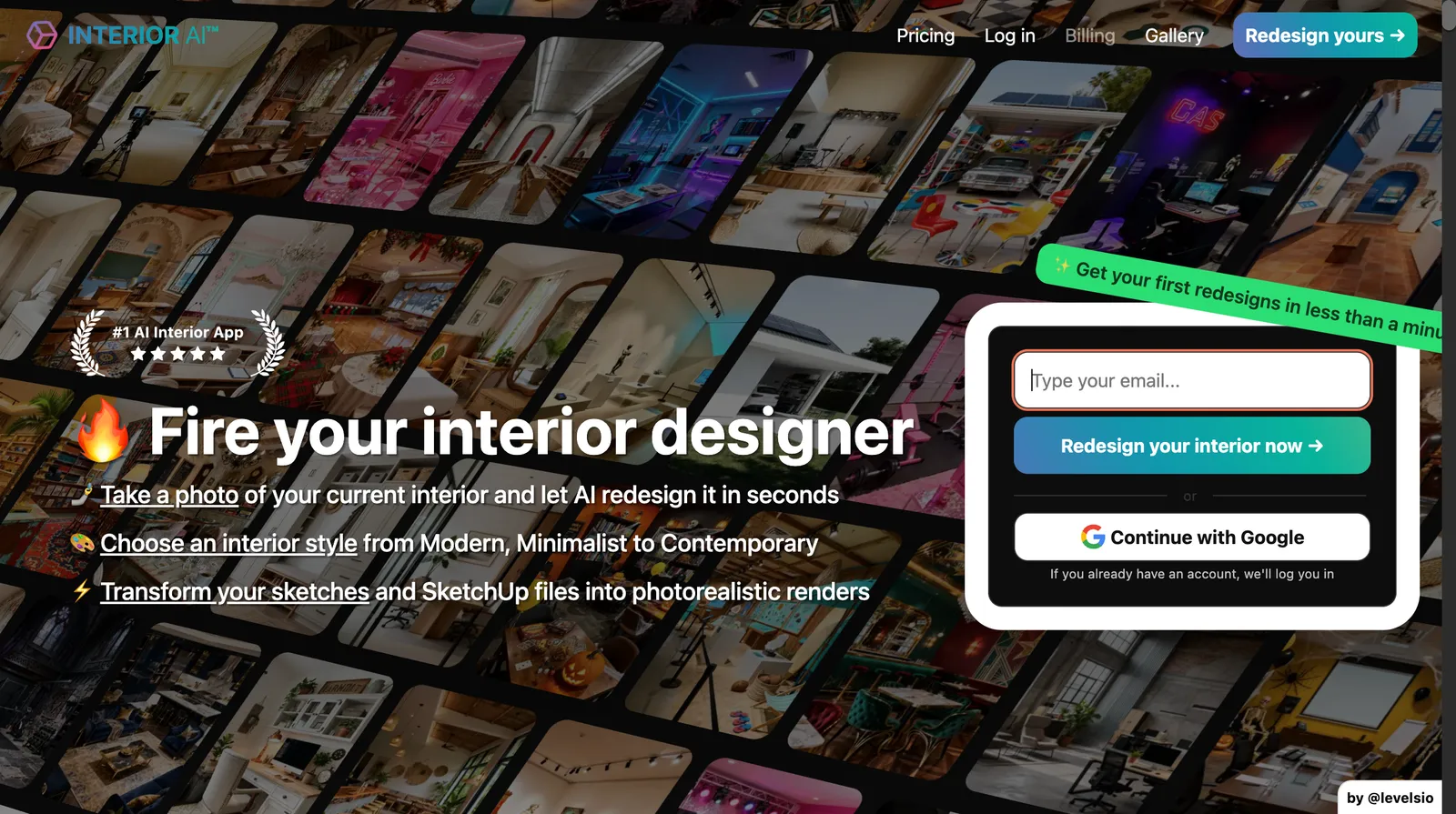
Interior AIis one of the oldest tools in the category and has the most modes: photo restyle, virtual staging, sketch and SketchUp-to-render, outdoor design, emptying a room, and 3D walkthroughs. Its "style transfer (keep interior same)" and "3D Vision" modes are the ones that keep your room's shape; the plain 2D mode changes more.
Price: Pro is $49 a month for 1,000 designs, Premium $99 for 5,000, Ultra $199 for 25,000; yearly billing brings these to $29, $49 and $99 a month. That is a lot of designs per dollar. There is no free tier.
Where it falls short:no way to try it first, and its Trustpilot page sits at 2.1 out of 5 from only 10 reviews, with complaints about cancelling, refunds and generic results. Its own pricing page also contradicts itself on which plan includes staging. The furniture isn't tied to real products.
Best for: real-estate staging in bulk and anyone who wants dozens of variations to pick from.
3. REimagineHome: best for shoppable redesigns on a budget
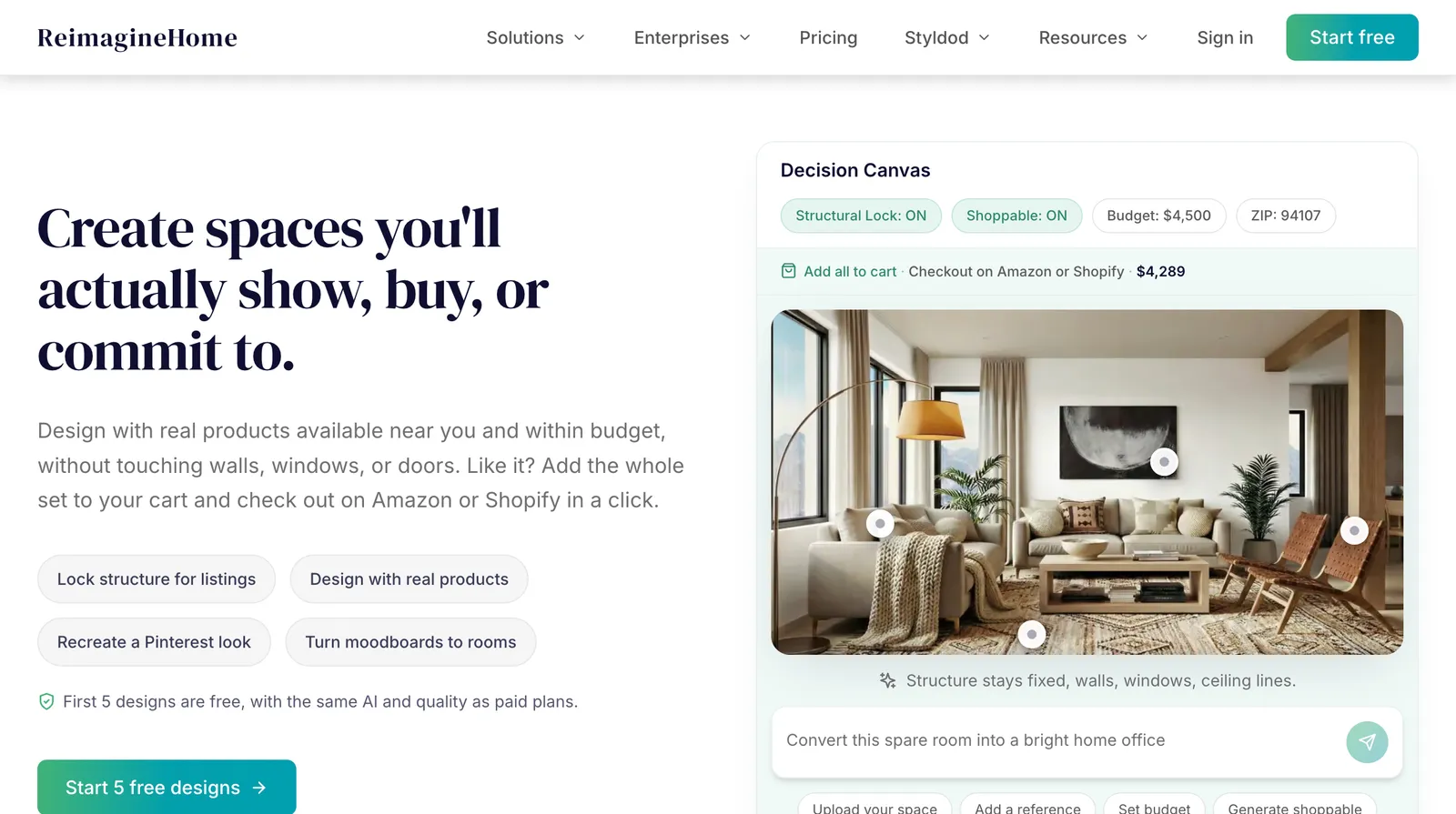
REimagineHomecombines photo redesign with a chat interface and reference photos, and on Pro and above it adds "real product discovery" and promises outputs that "preserve architecture and avoid distortions". A visualization costs 1 credit, or 2 with real products; chatting is free.
Price: 5 free designs for new users, no card. Paid plans run from 30 to 900 credits a month and the page says $14 to $99 a month, but it does not say which price goes with which plan, and there is no yearly option.
Where it falls short:the unclear pricing, and the structure promise only applies on Pro and above. Its product matching is narrower than MeltFlex's nine named stores.
Best for: homeowners who want a redesign tied to products, on a smaller budget.
4. Paintit.ai: best free tier
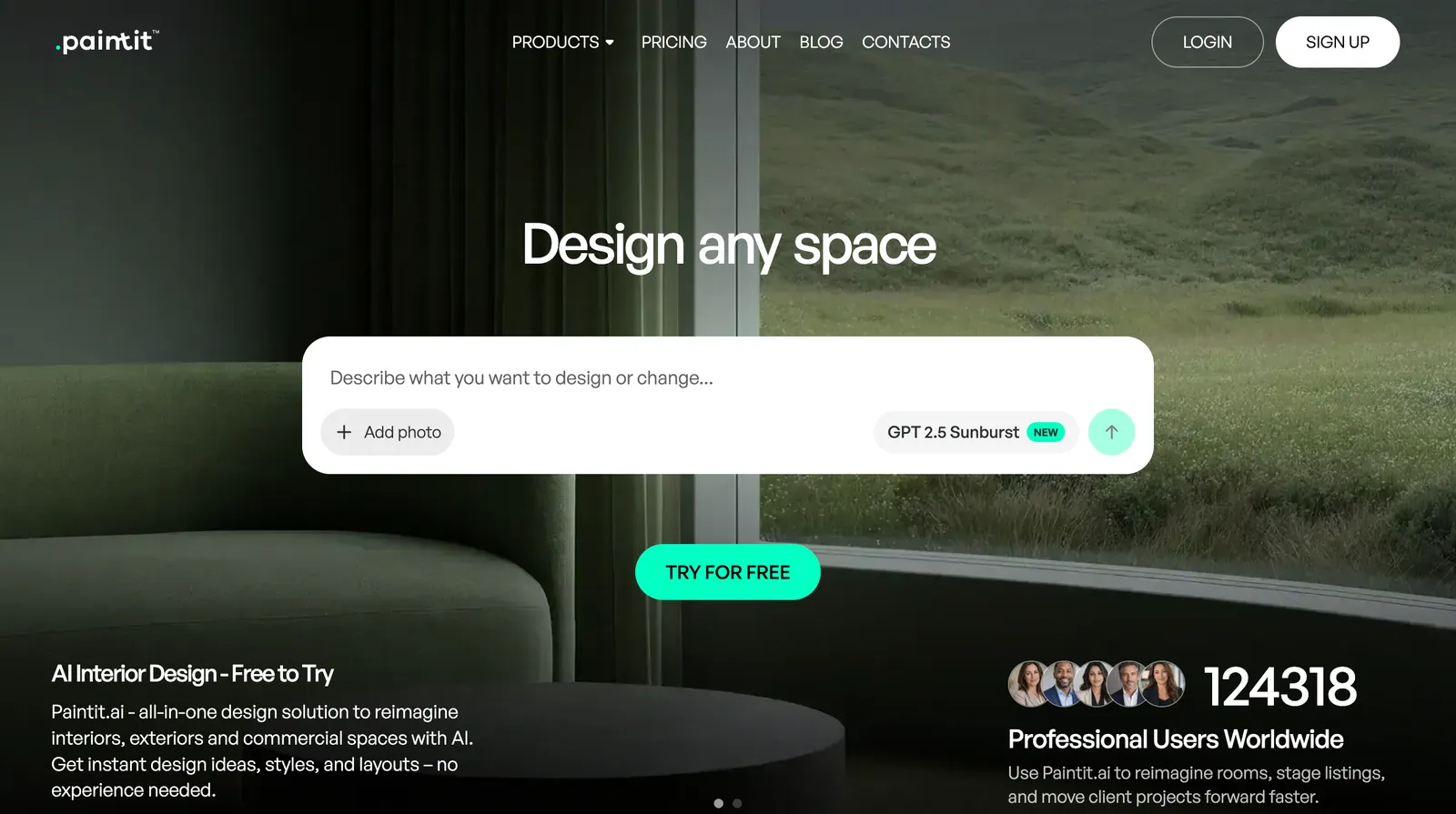
Paintit.aiworks through chat: you upload a photo, floor plan or sketch and ask for changes, from a full restyle to repainting one wall. It says it keeps "windows and walls well-positioned" and covers interiors, exteriors and commercial spaces.
Price:Free gives 30 credits with no card, the most generous free plan we found. Starter is $14.99 a month for 500 credits, Pro $29.99 for 1,500, Max $79.99 for 4,500. An image "starts from 3 credits" and costs more with better models and higher resolution. There is a 7-day money-back guarantee.
Where it falls short: commercial use is only allowed on the $79.99 Max plan, which rules out the cheap plans for designers and agents. We found too few independent reviews to judge it on quality.
Best for: trying AI room design properly before paying anything.
5. HomeDesigns AI: cheapest paid redesigns
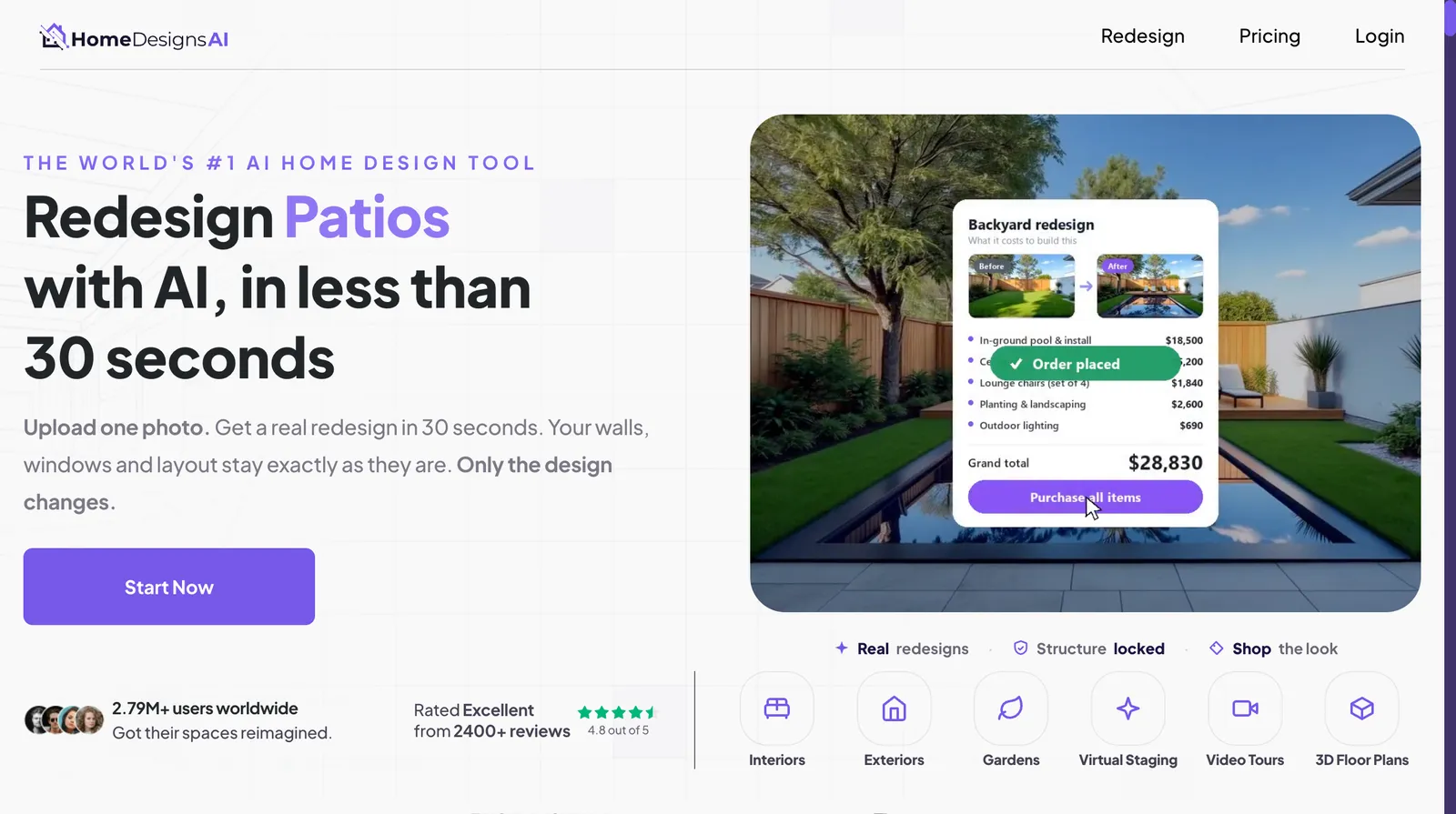
HomeDesigns AI covers redesign, style transfer, one-click staging, colour and material swaps, 2D-to-3D floor plans and a budget estimator, and says it keeps your walls.
Price: Standard is $22 a month or $9 a month yearly for 100 credits, Pro $29 or $11 for 1,000, Expert $37 or $14 for 2,000, at one credit per redesign. On a yearly plan that is the cheapest per-design price on this list. The free plan gives 3 new credits every 24 hours.
Where it falls short:several "best AI interior design" roundups that rank it first are published on its own site, so treat those with care. It also pushes a $19 one-time "unlimited" add-on on top of the subscription.
Best for: people who want lots of redesigns for the least money and are happy to pay a year up front.
6. Planner 5D: best for accurate layouts
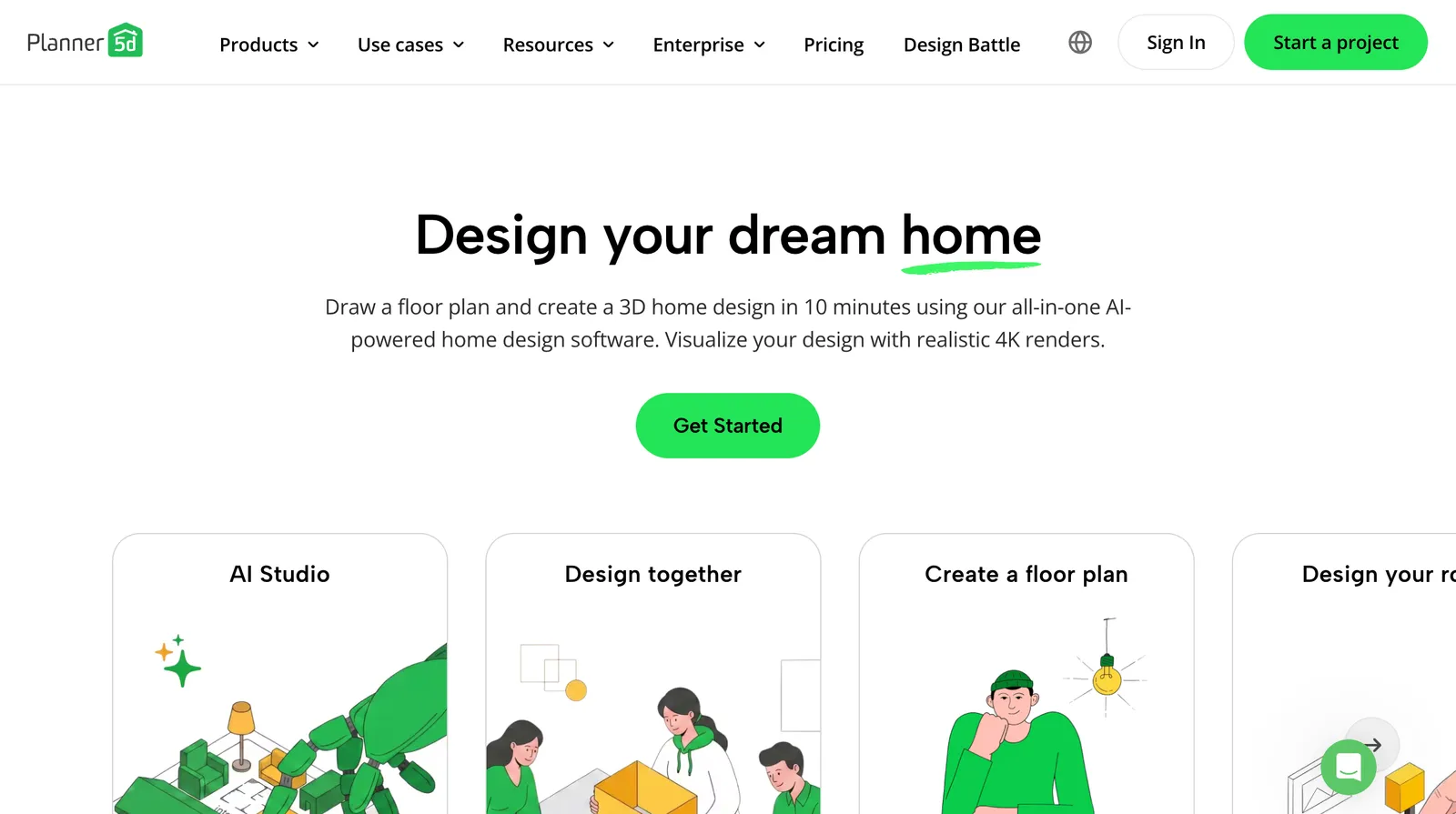
Planner 5D is a different kind of tool: a 2D and 3D editor where you build the room to its real dimensions, then furnish it from a catalog of 10,000+ items. Its AI reads an uploaded floor plan into a 3D project, and its AI Studio gives you image and video models (Nano Banana 2, GPT Image 1.5, Seedream, Veo, Kling) on top.
Price: Free has unlimited projects but no AI and half the catalog. Premium is $19.99 a month or $59.99 a year with floor-plan recognition and 100 AI Studio credits a month; Professional is $49.99 a month or $399.99 a year with unlimited 4K renders.
Where it falls short:it is an editor, so there is a learning curve and nothing is one-click. It answers "will it fit?" better than "what would it look like in my photo?".
Best for: renovations and layout planning where the measurements matter. It pairs well with MeltFlex: plan in Planner 5D, visualise and shop in MeltFlex.
7. Homestyler: best budget 3D editor with AI
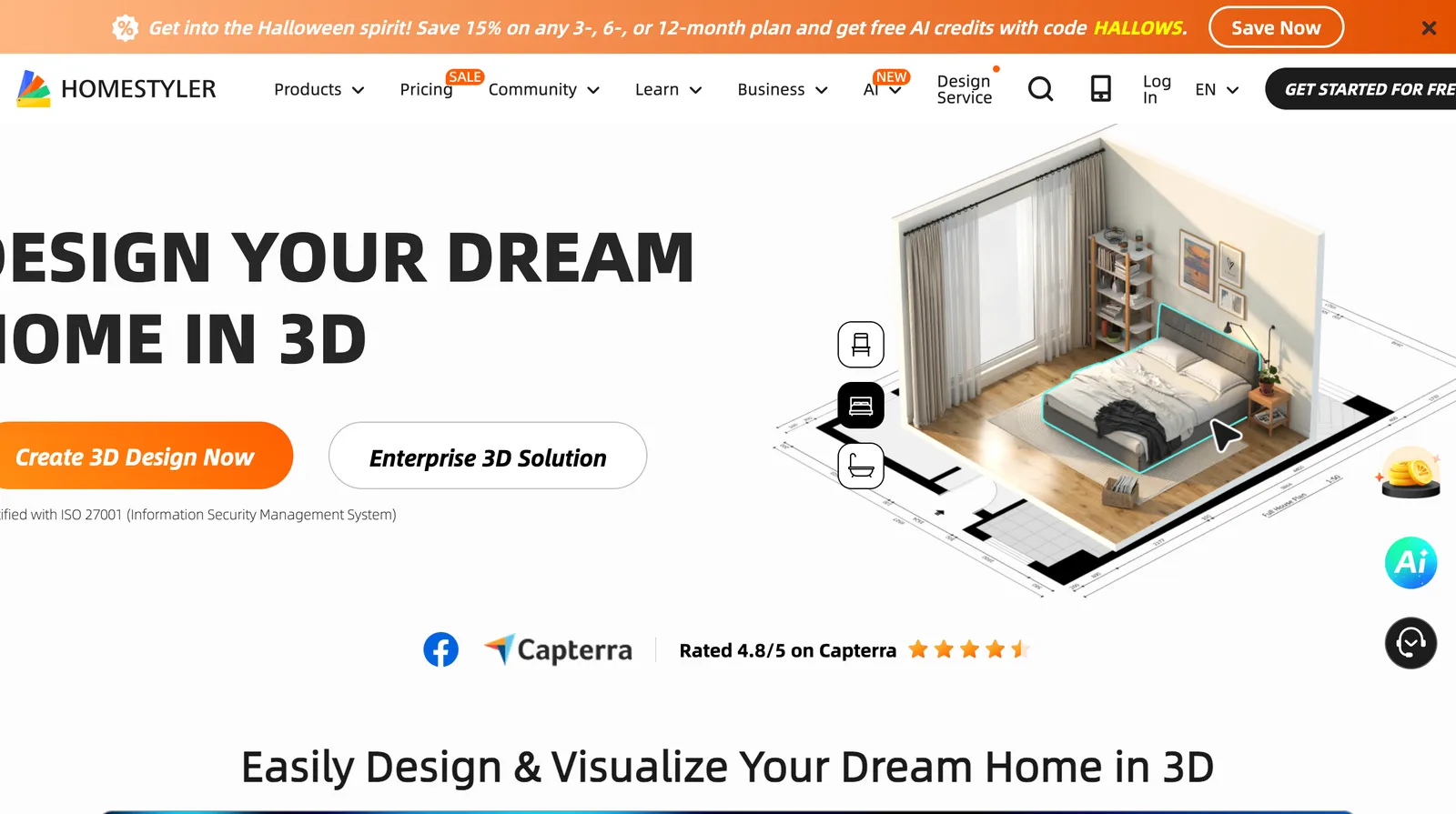
Homestyler is a cloud 3D floor planner with a long list of AI add-ons: AI Planner, Stager, Moodboard, Texturer, Painter, Modeler, Render and Animator.
Price: Pro+ starts at about €6.27 a month for 180 AI credits and Master+ at about €10.89 for 380. Credits go quickly: a staged image or repaint is 10 credits, a 4K render 35. Basic is free with 3 AI credits in total. We were shown euro prices only.
Where it falls short:the per-tool credit maths takes effort, the free tier is barely a taste, and Homestyler doesn't say how its photo-based tools treat your room's structure.
Best for: hobby designers who want a real 3D editor and some AI for very little money.
8. Collov AI: built for real-estate staging

Collov AI is aimed at agents: virtual staging, furniture removal, style swaps, multi-angle staging, twilight and sky fixes, 360° panoramas and image-to-video tours.
Price: Standard is $19 a month billed yearly ($228) for 60 photos, Advanced $49 for 150, Premium $79 for 263, Enterprise $127 for 526 with API access. There is a watermarked trial.
Where it falls short:Collov doesn't claim to keep room structure, and reviewers on Trustpilot (2.8 from 41 reviews, split between 5-star and 1-star) report rooms whose layout changed, plus billing and support problems. For a listing, a staged photo that misrepresents the room is a real risk.
Best for: agents who want listing-specific extras like twilight shots and tours, and who check every output.
9. Spacely AI: best for architects
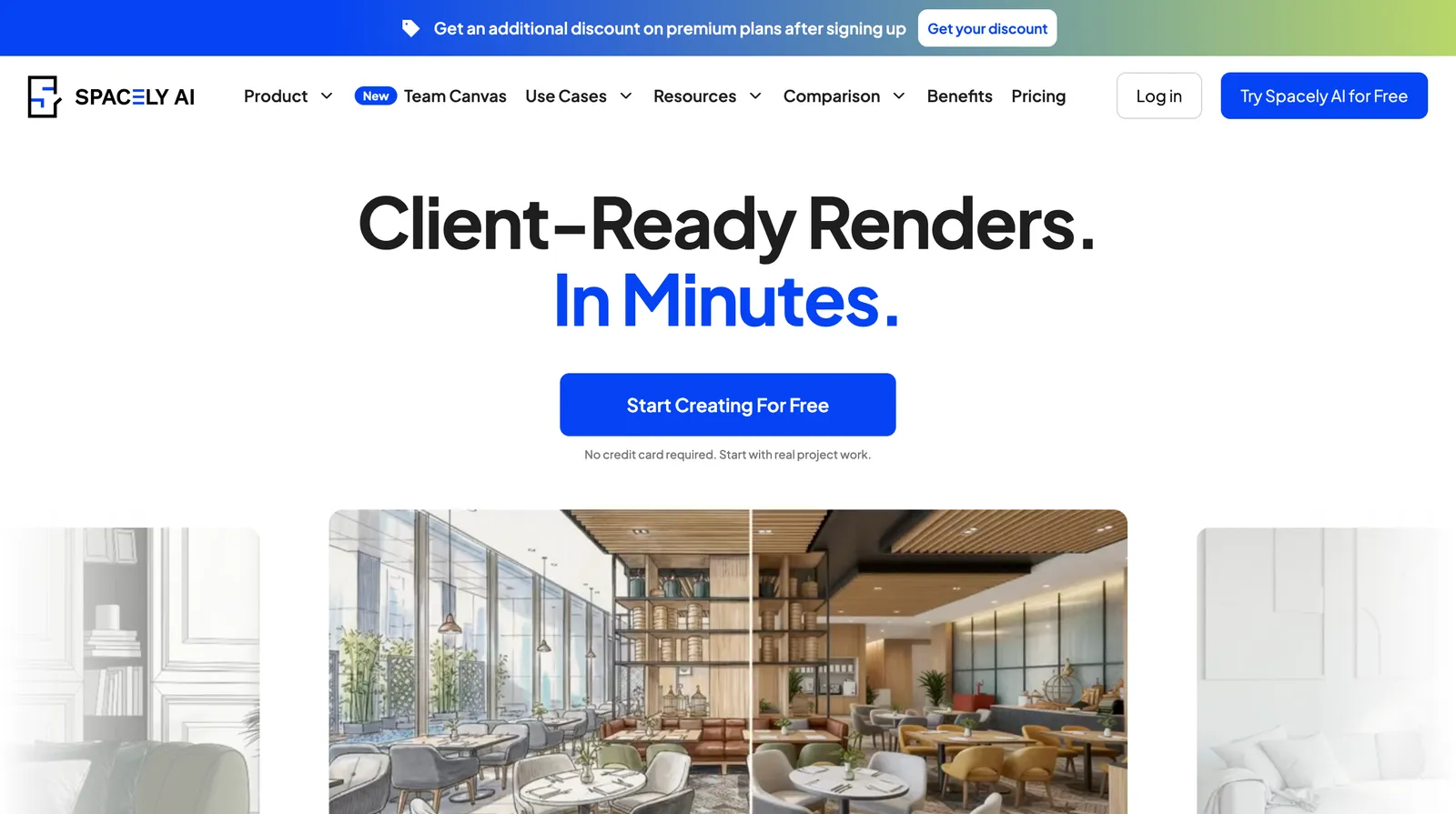
Spacely AI renders interiors and architecture from photos, sketches and, most usefully, your own 3D models, with plugins for SketchUp, Revit, AutoCAD and Rhino. Starting from your model means the geometry is fixed before the AI touches it.
Price:Free comes with 40 trial credits. Spacely's own blog puts Personal at about $25 a month for 500 credits, Studio at $50 for 1,500 and Agency at $100 for 3,500, though its pricing page doesn't print the prices. Most sessions use 6 to 20 credits.
Where it falls short:unclear pricing, and too few public reviews to judge quality. Overkill if you don't work in CAD.
Best for: architects and interior designers turning models into client-ready renders.
10. Google Gemini (Nano Banana): best free general-purpose option

Gemini's image model, Nano Banana, will edit a room photo from a plain request ("make this sofa green and add a rug") and it is free with a Google account, with higher limits on Google AI Plus ($4.99 a month) and Pro ($19.99).
Where it falls short:it is a general image model. Google makes no promise about keeping a room's structure, there is no room-type or style tooling, no furniture you can buy, and usage limits aren't published as numbers. ChatGPT and Midjourney sit in the same bucket, see below.
Best for: a quick free experiment with one change to one photo.
What they cost
Credit systems make like-for-like comparisons hard, so here is the cheapest way into real use for each tool, and what that buys.
Cheapest regular paid plan, as listed 17 October 2026
| Tool | Monthly | Yearly (per month) | What you get |
|---|---|---|---|
| MeltFlex AI | €19 | €12 | 490 credits, up to ~100 renders, 9-store catalog |
| Interior AI | $49 | $29 | 1,000 designs |
| REimagineHome | from $14 | not offered | 30 to 900 credits depending on plan |
| Paintit.ai | $14.99 | not published | 500 credits, images from 3 credits |
| HomeDesigns AI | $22 | $9 | 100 credits, 1 per redesign |
| Planner 5D | $19.99 | $5 ($59.99/yr) | Floor-plan AI, 100 AI Studio credits/mo |
| Homestyler | from €6.27 | not shown | 180 AI credits |
| Collov AI | not shown | $19 | 60 staged photos |
| Spacely AI | about $25 | about 20% less | 500 credits |
| Google Gemini | $4.99 (AI Plus) | not shown | Higher Nano Banana limits |
Tools we left out, and why
- RoomGPT. Famous, but its prices only appear after login, there is no clear free tier, and its Trustpilot reviews (2.2 from 8) describe distorted rooms and refund trouble.
- ChatGPT and Midjourney.Great for inspiration, not built to keep a room's geometry. Image generation isn't on ChatGPT's free plan; Midjourney starts at $10 a month.
- Canva. Useful for mood boards, but it has no room mode.
- IKEA Kreativ. Free and accurate with a room scan, but IKEA products only.
- Havenly AI.Free and shoppable, but it doesn't say whether it keeps your room's structure or how much you can use it, and it mainly leads to paid human designers ($199 a room).
- Coohom and Foyr Neo.Strong professional 3D suites, but they are design software with some AI, not AI room tools, and Foyr's pricing pages couldn't be read when we checked.
How to pick in five minutes
- "I want to see my room redesigned and buy the look." MeltFlex AI. Start with the free design.
- "I stage listings by the hundred." Interior AI for volume, or MeltFlex Pro if you want commercial use plus real furniture.
- "I don't want to pay anything yet." MeltFlex's free design, then Paintit.ai's 30 free credits.
- "I'm moving walls or planning a layout." Planner 5D, then visualise the result in a photo tool.
- "I work in SketchUp or Revit." Spacely AI.
Whichever you try, run the same test we did. Upload one real photo of one room, then lay the result over the original. If the window has moved, the tool has made a pretty picture of a room you don't live in.
FAQ
Frequently asked questions
What is the best AI interior design tool in 2026?
For redesigning a real room from a photo, MeltFlex AI is our top pick: it keeps your walls, windows and camera angle, finishes a design in about 20 seconds, and matches the furniture to real products you can buy from IKEA, Wayfair, Amazon and six other stores. Your first design is free. If you need hundreds of variations a month, Interior AI gives the most volume per dollar; if you need exact measurements, use a floor-plan editor like Planner 5D instead.
Is there a free AI interior design tool?
Several tools have a free tier, but most are small. MeltFlex gives your first design free with no card. Paintit.ai has the most generous free plan we found, 30 credits with no card. REimagineHome gives new users 5 free designs, HomeDesigns AI drips 3 credits every 24 hours, and Homestyler gives 3 AI credits in total. Google Gemini is free with a Google account, but it is a general image model, not a room tool. Interior AI has no free tier.
Can AI redesign my room without changing the walls and windows?
Some tools can and some cannot, and it is the single biggest difference between them. MeltFlex keeps walls, windows and camera angle by default. Interior AI does it in its style-transfer and 3D Vision modes, and REimagineHome, Paintit.ai and HomeDesigns AI all claim it. General image models like ChatGPT, Midjourney and Gemini make no such promise and often move windows or change the room's proportions. Always compare the result against your original photo before you buy anything based on it.
Can I buy the furniture the AI puts in my room?
Only with tools built for it. MeltFlex matches each piece to real products from nine stores and compares prices across them. REimagineHome offers real-product discovery on its Pro plan and above, Havenly's free AI tool uses shoppable pieces, and IKEA Kreativ places IKEA products only. Most other tools generate furniture that looks plausible but does not exist.
Are AI interior design tools good enough for professional designers?
For concepts, mood and client conversations, yes. For construction drawings and exact dimensions, no: photo-based tools do not measure anything. Professionals usually pair a photo tool for fast concepts with a model-based tool for precision, such as Spacely AI rendering from SketchUp or Revit, or a 3D editor like Planner 5D, Coohom or Foyr Neo. Check the commercial-use terms too: MeltFlex includes commercial use from its Pro plan, and Paintit.ai only on its Max plan.
How much do AI interior design tools cost?
Most cost between about $9 and $60 a month, with big discounts for paying yearly. MeltFlex Standard is €19 a month or €12 a month yearly; Interior AI Pro is $49 a month or $29 a month yearly; Planner 5D Premium is $19.99 a month or $59.99 a year; HomeDesigns AI starts at $9 a month billed yearly. Credit systems make direct comparisons hard, so translate each plan into how many designs you would really get.
Is ChatGPT or Midjourney good for interior design?
They are good for inspiration and mood images, and weak at redesigning your actual room. Neither is built to keep a room's geometry, so windows move, walls shift and furniture comes out at the wrong scale. Image generation is also not available on ChatGPT's free plan. If you already pay for one, it is fine for brainstorming; for a result you will act on, use a room-specific tool.
Sources
- MeltFlex AI: AI interior design tool and plans (read 17 Oct 2026)
- MeltFlex AI: subscription plans (read 17 Oct 2026)
- Interior AI: homepage pricing section (read 17 Oct 2026)
- REimagineHome: pricing (read 17 Oct 2026)
- Paintit.ai: prices (read 17 Oct 2026)
- HomeDesigns AI: pricing (read 17 Oct 2026)
- Planner 5D: pricing (read 17 Oct 2026)
- Homestyler: pricing and AI credit costs (read 17 Oct 2026)
- Collov AI: pricing (read 17 Oct 2026)
- Spacely AI: pricing (read 17 Oct 2026)
- Spacely AI: 2026 subscription plans explained
- Google: Gemini subscriptions (read 17 Oct 2026)
- ChatGPT: plans and pricing documentation (read 17 Oct 2026)
- Havenly: free AI interior design (read 17 Oct 2026)
- IKEA: home design tools and IKEA Kreativ (read 17 Oct 2026)
- Trustpilot: Interior AI reviews
- Trustpilot: RoomGPT reviews
- Trustpilot: Collov AI reviews