
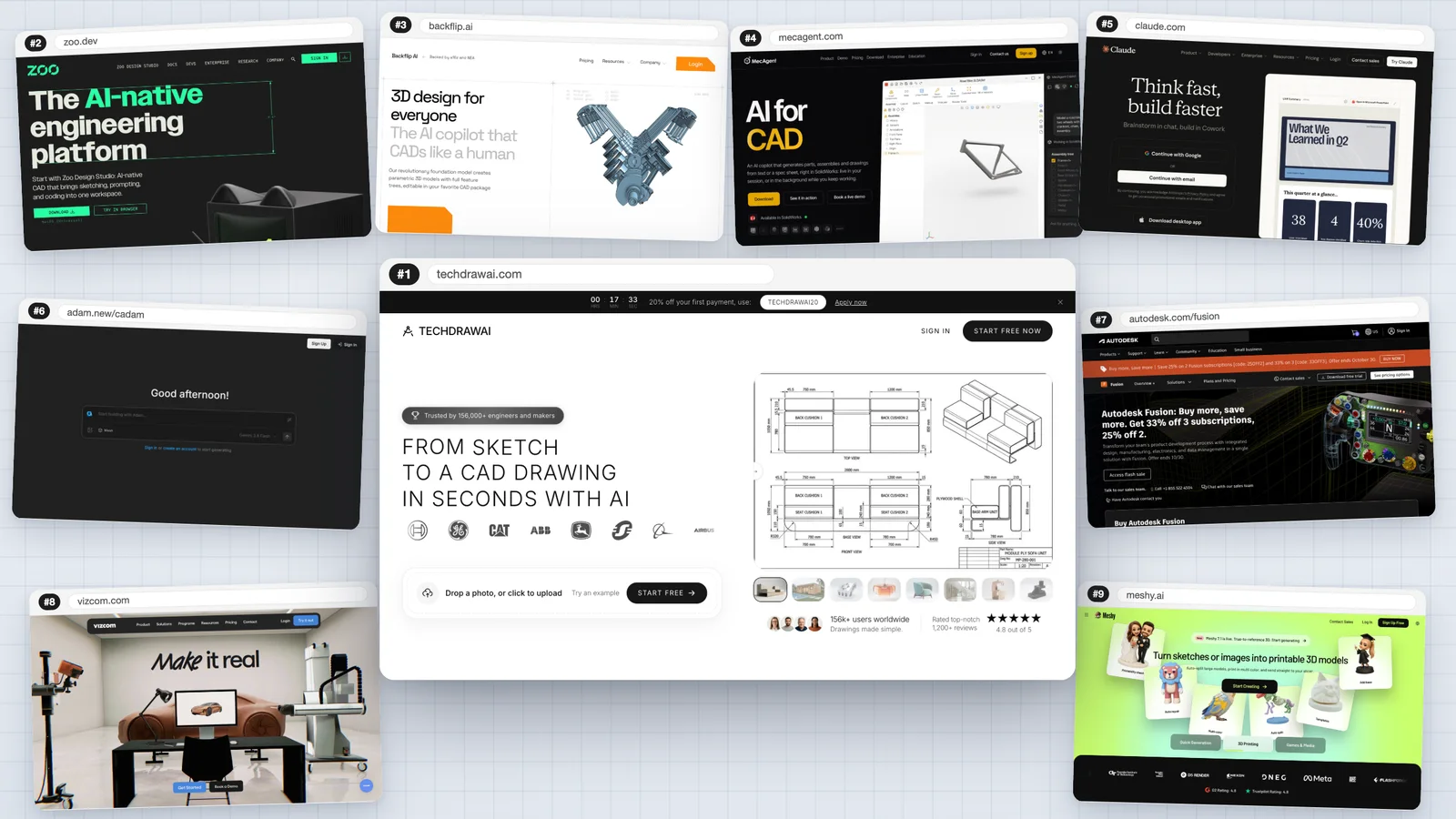
"AI CAD generator" covers four very different kinds of tool, and most lists mix them up. Some hand you a dimensioned drawing a machinist can work from. Some hand you an editable solid with a feature tree. Some work inside SolidWorks or Fusion. And some hand you a pretty mesh with no dimensions at all. We sorted nine of them by what they actually give you, tested our top pick on a real part, and read every vendor's own pricing page on 17 October 2026.
Our articles are still written by humans!
Get human written articles in your Google feed.
The short answer
If you have a part, a sketch or a sentence and need a drawing or a DXF you can send to a shop, a laser or AutoCAD, use TechDraw AI. If you want a parametric solid you can keep editing, use Zoo Design Studio. If you live in SolidWorks, try MecAgent; if you live in Fusion, Backflip. If you can read Python and want to pay nothing, ask Claude to write CadQuery. Everything else on this list is a good tool for a narrower job, and we say which.
First: what does it hand you?
This is the question that sorts the whole category, so answer it before you compare prices.
- A 2D technical drawing (PDF, DXF, DWG): views, dimensions, a title block. This is what a machine shop, a fabricator or a laser cutter needs. TechDraw AI.
- A parametric solid (STEP, native CAD): an editable model with a feature tree, where changing one size updates the part. Zoo, Backflip, MecAgent, CadQuery.
- Commands inside your CAD program: the AI drives SolidWorks or Fusion for you. MecAgent, Autodesk Assistant, the Adam copilot.
- A mesh (STL, GLB, OBJ): triangles with no dimensions and no features. Good for 3D printing a figure, a render or a game, not for engineering. Meshy, Vizcom, Tripo, and the 3D models from TechDraw AI.
How we ranked them
We scored every tool on five things, in this order of weight:
- Is the output usable? Can a shop, a CAD program or a printer use what comes out, without redrawing it?
- What can you give it? Text, a photo, a hand sketch, an old drawing, a scan. The more of the inputs you actually have, the better.
- Does it use your numbers, and can you fix its? A generator that ignores the sizes you typed, or that you cannot correct, is a toy.
- What does real use cost? Including the plan you need for the file format you need.
- How much do you need to know? Some of these need a CAD seat, a Windows PC or Python. Some need a browser.
The ranking at a glance
Prices as listed on each vendor's own page, 17 October 2026
| # | Tool | Best for | You get | Free option | Paid from |
|---|---|---|---|---|---|
| 1 | TechDraw AI | Drawings and DXF from a photo, sketch or sentence | Dimensioned drawing, DXF/DWG, 3D mesh | 1 drawing (PNG) | €11/mo yearly, €29 monthly |
| 2 | Zoo Design Studio | Parametric solids from a prompt | Editable B-rep, STEP | ~20 min/month | $20/mo |
| 3 | Backflip AI | Reverse engineering in Fusion | Feature-tree CAD | 50 credits | $20/mo |
| 4 | MecAgent | SolidWorks users | Native SolidWorks parts, assemblies, drawings | 11 runs | $84/mo |
| 5 | Claude + CadQuery | Free parametric parts, if you code | Script that exports STEP or STL | Free plan | $17/mo yearly, $20 monthly |
| 6 | CADAM by Adam | Quick printable parts | OpenSCAD model, STL | Light daily quota | $40/mo (Adam Pro) |
| 7 | Autodesk Fusion | Existing Fusion users | Native Fusion operations | 30-day trial | $57/mo yearly, $85 monthly |
| 8 | Vizcom | Concept and industrial design | Renders, 3D mesh | 800 credits | $49/user/mo |
| 9 | Meshy | Printed figures, visual assets | Textured mesh | 100 credits/month | €19/mo |
The 9 generators, one by one
1. TechDraw AI: best overall
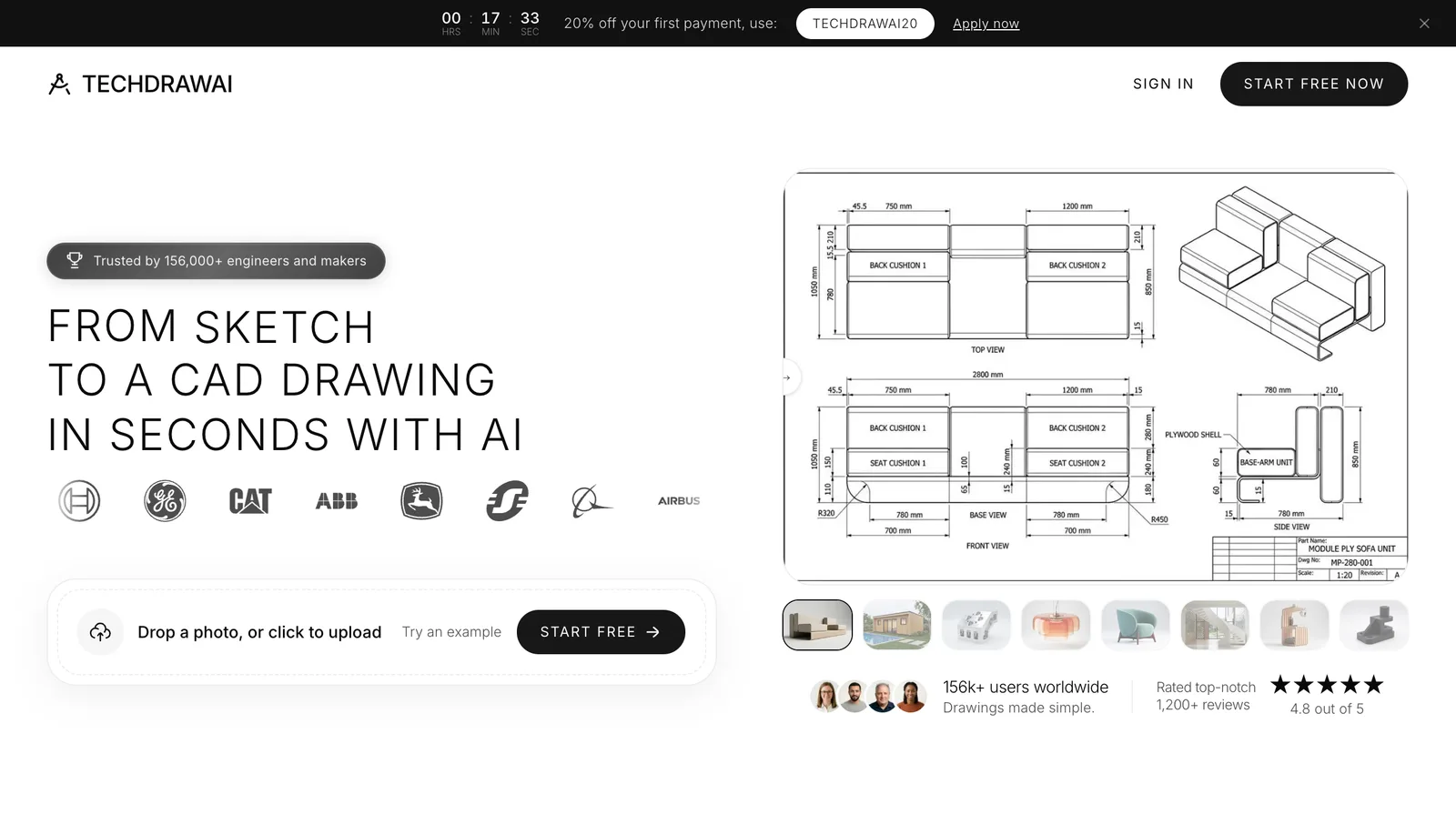
TechDraw AI does the job most people searching this term actually have: there is a part, a sketch or an idea, and you need a drawing someone can make it from. Upload a photo or a hand sketch and it lays out front, top and side views with dimension lines and an ISO, ANSI or DIN title block. You give it one real measurement, a caliper reading for example, and that sets the scale for the rest. Or skip the photo and describe the part in a sentence: plates, flanges, shafts, bushings and brackets come back as a dimensioned sheet.
It covers more of the chain than anything else here. The same account turns a photo or an existing drawing into a 3D model (GLB, STL, OBJ, FBX, USDZ) in about two minutes, and a drawing into a photorealistic product render. DXF and DWG open directly in AutoCAD, and import into a Fusion, SolidWorks, Inventor or Onshape sketch to extrude. For developers there is a REST API, a CLI and an MCP server, so Claude or Cursor can call it. No CAD skills are needed to use any of it.
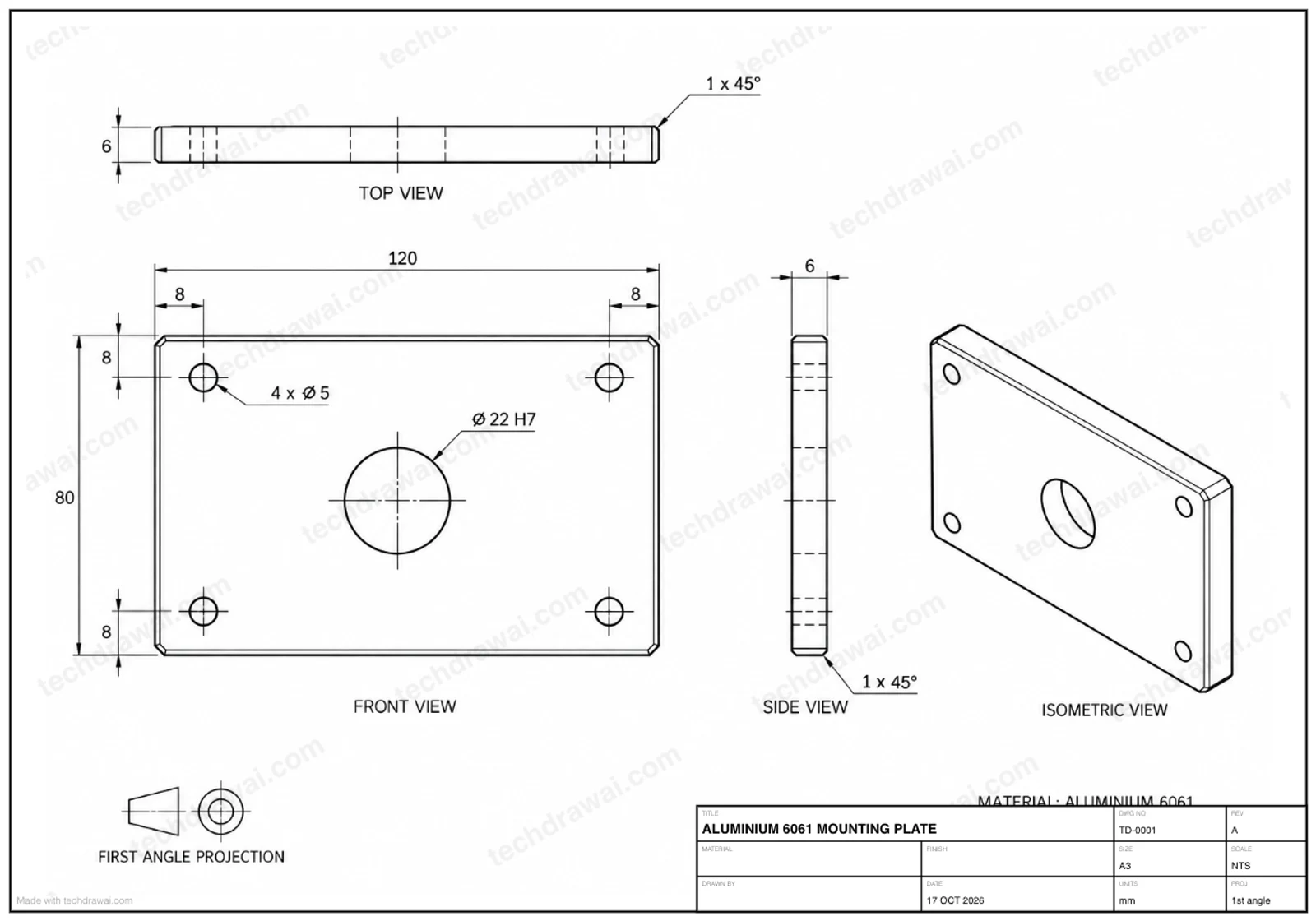
Our test.We typed: "Aluminium 6061 mounting plate, 120 x 80 mm, 6 mm thick. Four M5 clearance holes 8 mm in from each corner, a 22 mm H7 bore in the centre, all edges 1 mm chamfer." Under a minute later, for 5 credits, we had an A3 sheet with front, top, side and isometric views, every size we gave on the drawing (120, 80, 6, the 8 mm hole positions, Ø22 H7, the 1 × 45° chamfer), hidden lines for the holes and a filled-in title block.
It was not perfect, and you should know where. It drew the M5 clearance holes as Ø5, the bare bolt size, which a bolt will not pass through: a medium-fit M5 clearance is Ø5.5 (ISO 273). It placed the top view above the front view, which is third-angle layout, under a first-angle projection symbol. The H7 bore came without its limits, and no list of assumed values appeared on our result, though the product page promises one. All of it takes a minute to fix in the built-in "Edit numbers/text" editor, which is free, but you have to spot it first.
Price: a new account gets 5 free credits, enough for one drawing, downloaded as a watermarked PNG. Starter is €29 a month, or €11 a month billed yearly (€132), for 120 credits, about 24 drawings or renders, without a watermark, as PNG. Studio is €89 a month, or €49 a month yearly (€588), for 750 credits, and adds DXF, DWG, SVG and vector PDF export, the two 3D tools (a 3D model costs 80 credits, so up to 9 a month) and the API. USD and other currencies are shown at checkout.
Where it falls short: the CAD files are Studio-only, so the €29 plan gives you pictures of drawings, not DXF. The DXF and DWG are traced from the sheet, so they arrive as lines, arcs and text, not as native dimension entities; check the scale against one known size when you import. The 3D output is a mesh, not a parametric solid, with no feature tree; STEP only comes via a separate STL-to-STEP converter. And the user figures on the site (156,000+ users, 4.8 from 1,200+ reviews) are its own, not independently audited.
Best for:engineers, fabricators, makers and woodworkers who need a drawing or a cut file today, reverse engineering a part with no documentation, and anyone who doesn't use CAD but has to send a drawing to someone who does.
2. Zoo Design Studio: best for parametric solids from a prompt
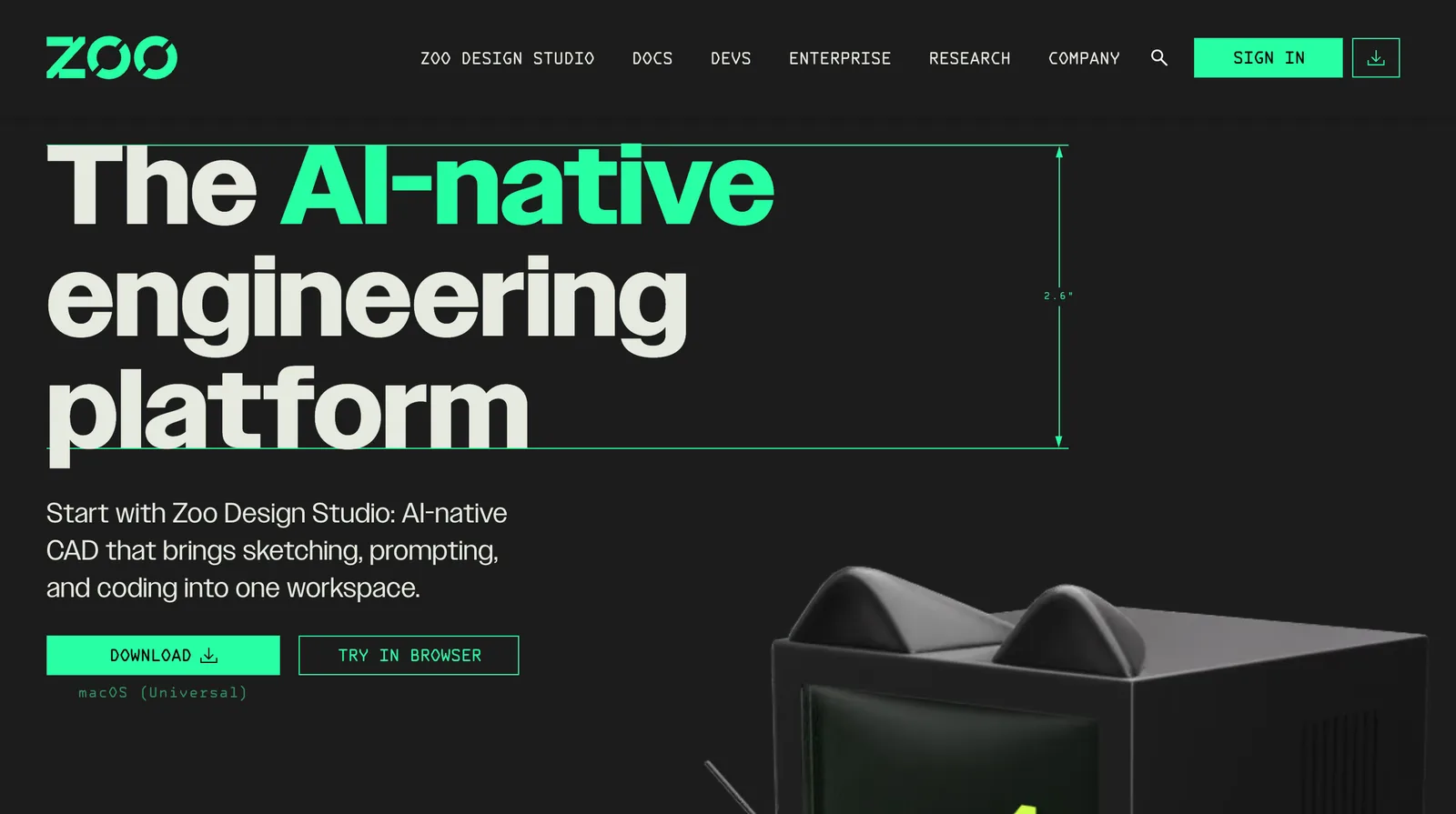
Zoo, formerly KittyCAD, is the closest thing to true text-to-CAD you can use today. Its Zookeeper agent, launched in February 2026, takes a prompt, and since March an image, a sketch photo or a PDF or DXF drawing, and builds a parametric B-rep model. The model is written as KCL code with a feature tree, so you can edit it by changing the code or the features. It exports STEP, STL, OBJ, PLY, glTF and FBX, runs in the browser or as a desktop app, and has an API.
Price:free gives about 20 minutes of Zookeeper a month (a $10 credit shared with the API). Plus is $20 a month for about 400 minutes, Pro $99 a month for unlimited Zookeeper in the app, Team $399 per user. Pay-as-you-go is about $0.50 a minute. The annual toggle didn't change the prices when we checked.
Where it falls short:on the free plan Zoo trains on your data with no opt-out; you need Plus to opt out. Twenty minutes goes fast. It is a separate CAD system, so your models live outside SolidWorks or your PDM. Results are hit and miss on complex prompts, which Zoo's own forum is frank about. And it does not make 2D manufacturing drawings the way #1 does.
Best for: engineers and serious hobbyists who want an editable solid and a STEP file from a description.
3. Backflip AI: best for reverse engineering
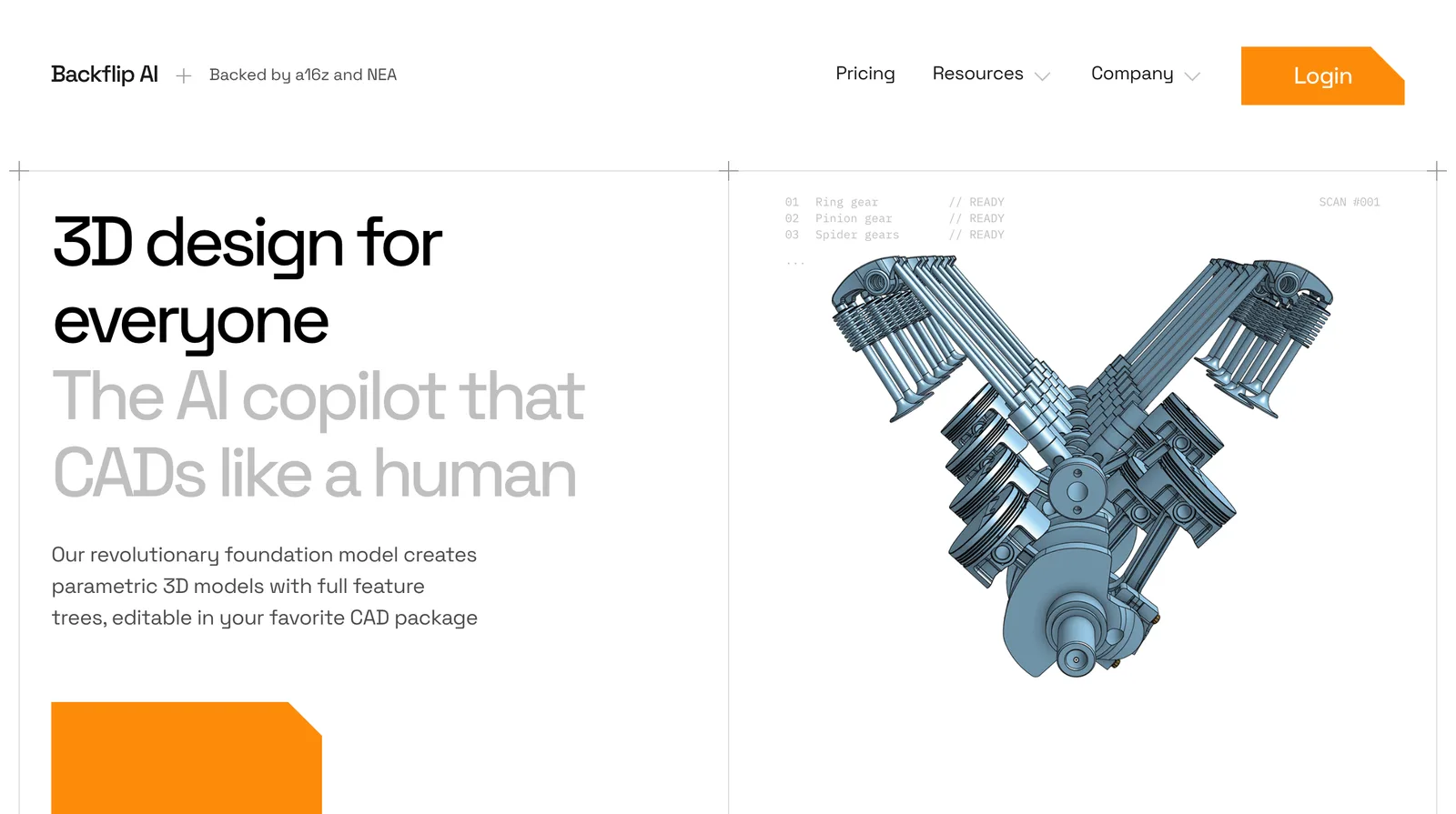
Backflip, from the co-founders of Markforged, rebuilds what already exists. Give it a 2D engineering drawing, a 3D scan or a few phone photos plus one known dimension, and it reconstructs the part as a parametric model from real CAD operations, extrudes, revolves, patterns, fillets, with sketches and constraints you can edit. It ships as an Autodesk Fusion add-in, generally available since August 2026, and as a web app; Onshape is listed as coming soon.
Price:50 free trial credits with no card. Builder is $20 a month for 100 credits, Pro $50 for 300, Business $380 for 2,500. A fast job costs 10 credits and a "thinking" job 50, so Builder is 2 to 10 parts a month. Monthly credits don't roll over.
Where it falls short: it is not a text-prompt generator. Backflip says it works best on moderately complex milled or turned parts, and a hands-on test by Fabbaloo found it missed faint raised panels on a rough scan. Its pricing page lists no export formats, and we found no independent accuracy benchmark.
Best for: Fusion users digitising legacy parts or a drawer full of old paper drawings.
4. MecAgent: best for SolidWorks users
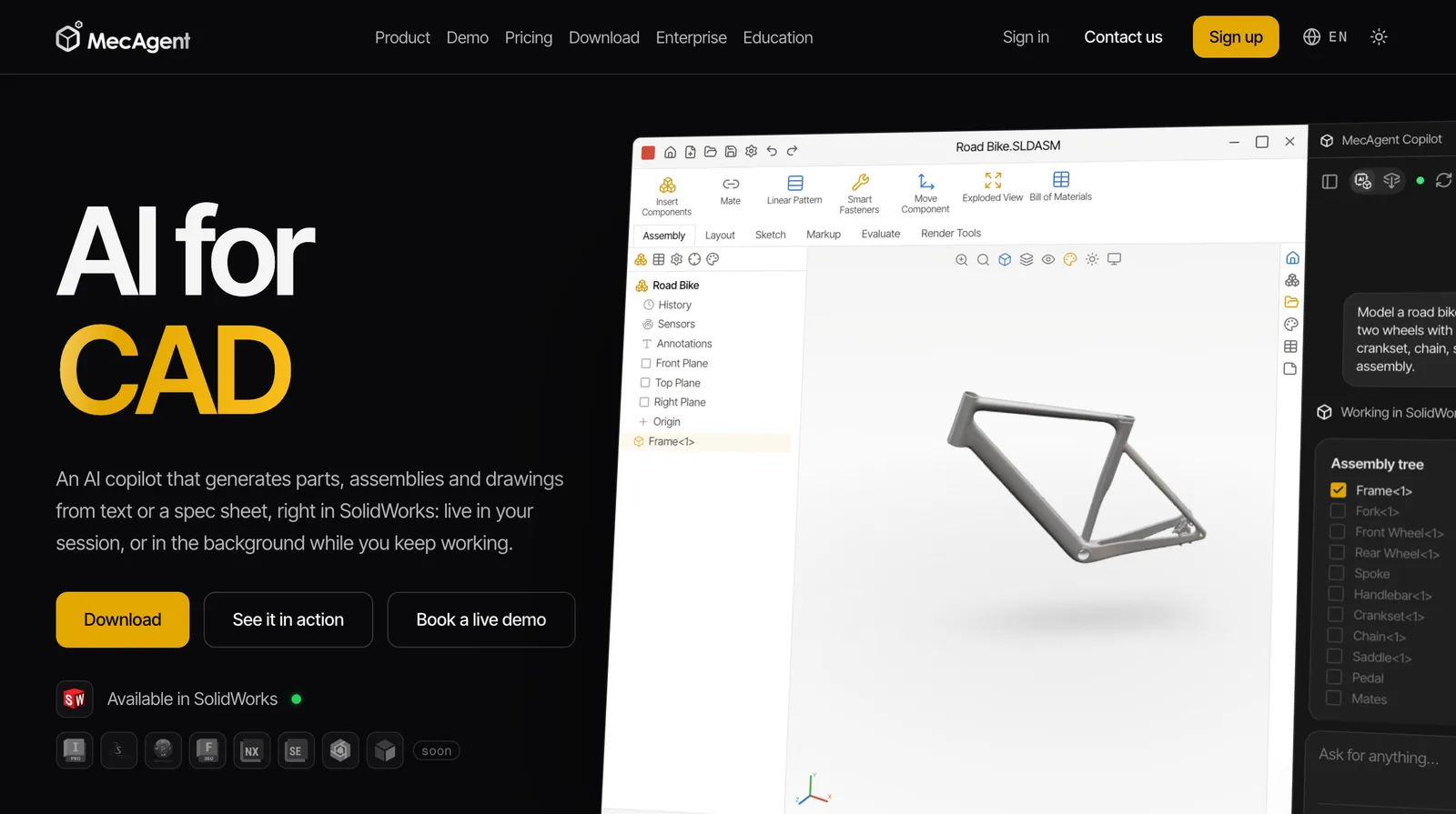
MecAgent is an agent that drives SolidWorks for you. Describe a part or paste a spec sheet and it builds native parts, assemblies and drawings (SLDPRT, SLDASM, SLDDRW, with DXF export), live in your session or as a background task while you work. It also turns drawings into models, models into drawings, and writes macros.
Price: free gives 11 agentic runs and 2 macros, with no drawing-to-CAD. Starter is $84 a month for 40 runs, 1 drawing-to-CAD and 2 CAD-to-drawing jobs. Advanced+ is $417 a month per seat. Yearly billing saves about 17%, and students get a free plan.
Where it falls short:SolidWorks 2024 to 2026 on Windows only; every other CAD system is marked "soon". The paid tiers are expensive for what they allow: one drawing-to-CAD job a month on an $84 plan is tight.
Best for: SolidWorks users who want generation inside the files and PDM they already have.
5. Claude with CadQuery or OpenSCAD: best free parametric route
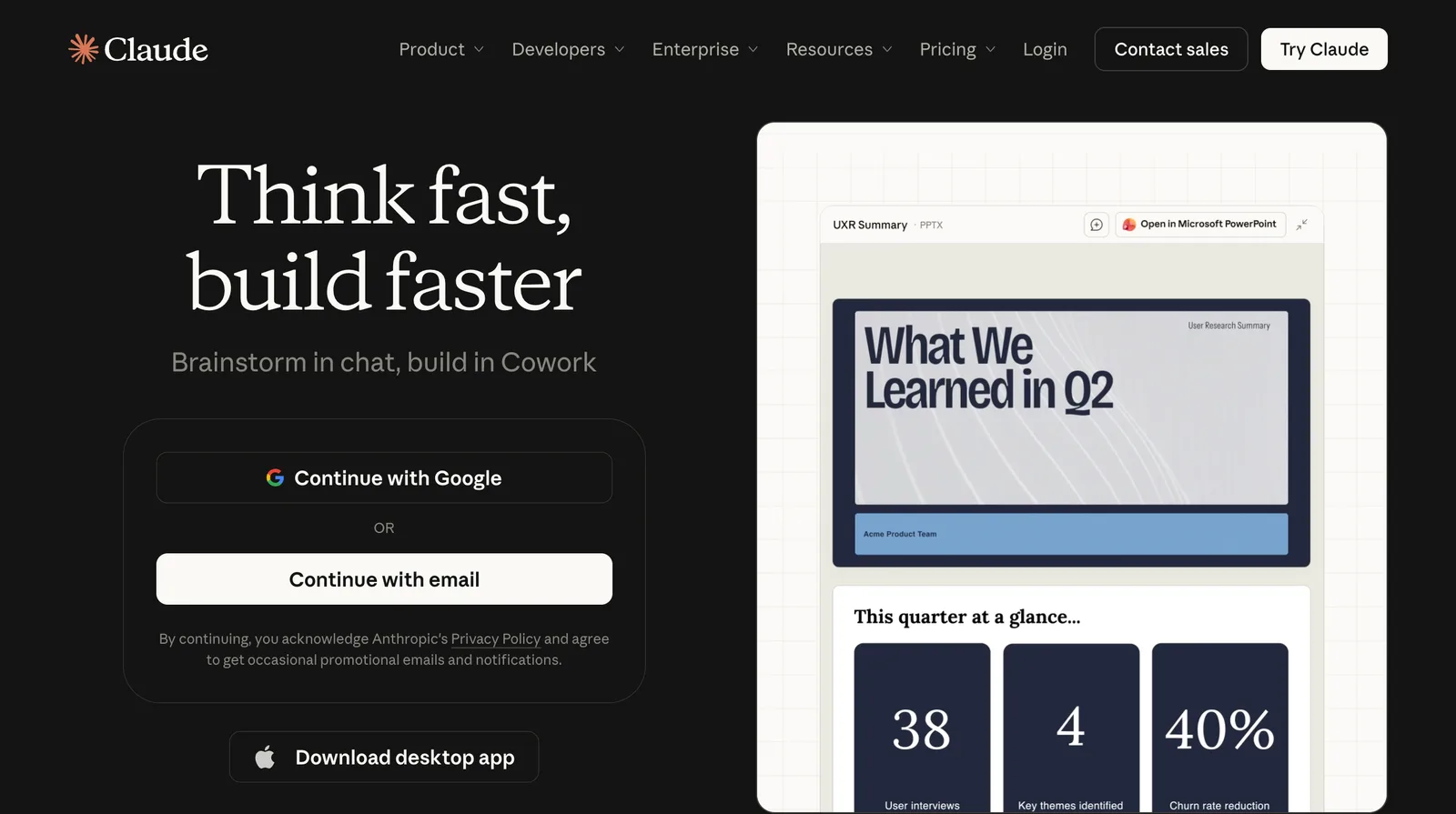
A general model like Claude can't output a CAD file itself, but it writes the code that makes one very well. Ask for a CadQuery script (Python) and you get a STEP file when you run it; ask for OpenSCAD and you get an STL. Everything stays parametric and versionable: change one variable, re-run, done. Since August 2026, Onshape's official FeatureScript MCP server also lets Claude, ChatGPT or Gemini write and debug native Onshape features.
Price:Claude has a free plan; Pro is $20 a month, or $17 a month billed yearly. CadQuery and OpenSCAD are free and open source. ChatGPT works the same way; we couldn't load its pricing page to confirm today's price.
Where it falls short:the model can't see the geometry it writes unless you add tools for that, so errors go unnoticed until you render it. OpenSCAD in particular can fail silently. You need to install and run the code yourself, and anything beyond simple prismatic parts gets slow.
Best for: programmers and makers who want parametric parts for free.
6. CADAM by Adam: best for quick printable parts
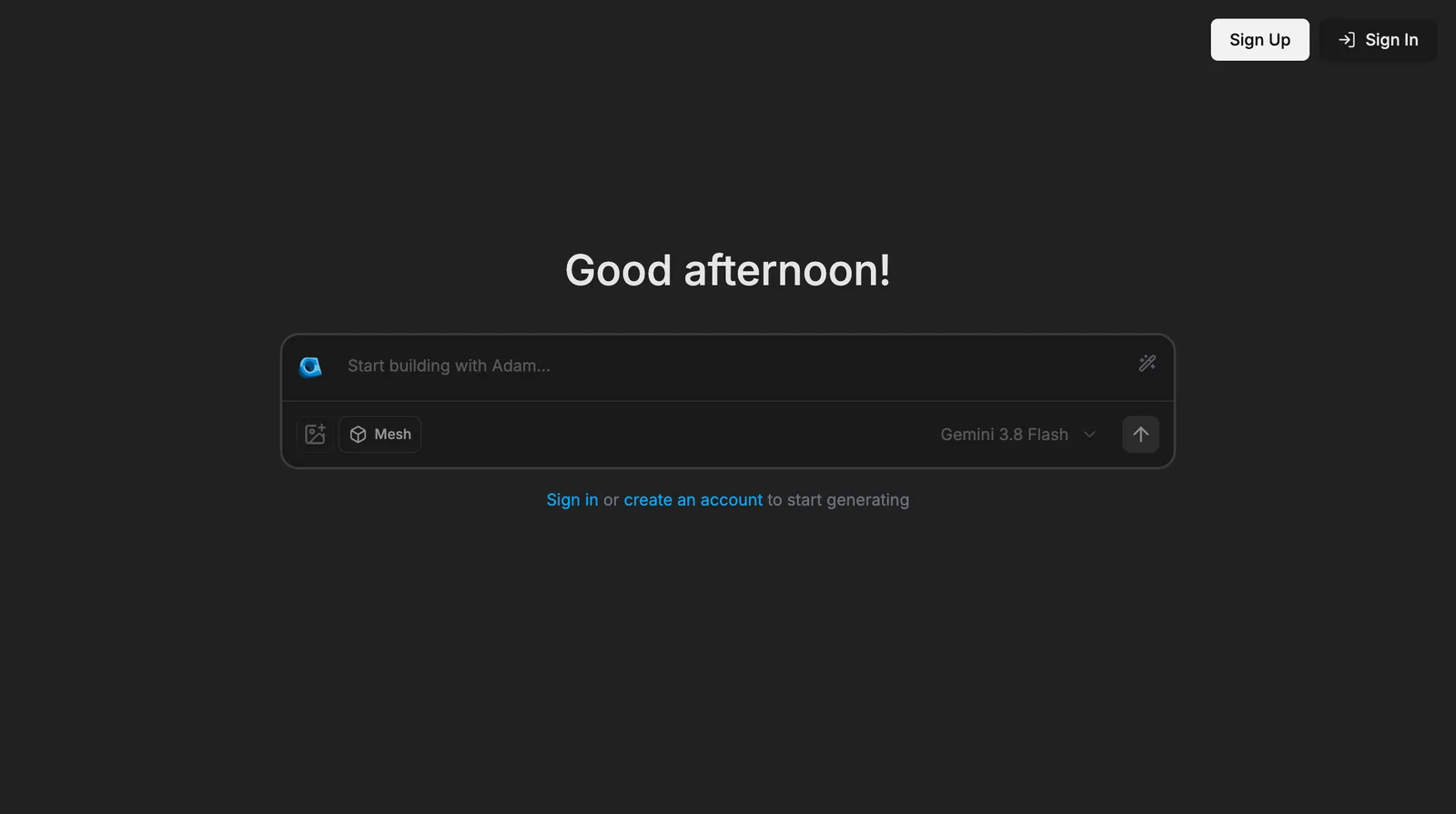
Adam went viral in 2025 for text-to-3D, then pivoted: adam.new is now an AI workspace for hardware teams that edits existing models in Onshape, Fusion and SolidWorks. The original generator lives on as CADAM, open source under GPL-3.0. Type a description or add a reference image and it writes an OpenSCAD model with sliders for each dimension, exported as STL, SCAD or DXF.
Price:Adam's free plan has a "light daily quota" on its Lite model; Pro is $40 a month with a 7-day trial, Max $200. CADAM's own limits aren't published, and you can self-host the open-source code.
Where it falls short:OpenSCAD output is aimed at printing, so no STEP. You need to sign in to generate. And because of the pivot, most reviews you'll find describe a product that no longer exists in that form.
Best for: 3D-printing hobbyists who want a bracket or a box with adjustable sizes, fast.
7. Autodesk Fusion: best if you already use Fusion
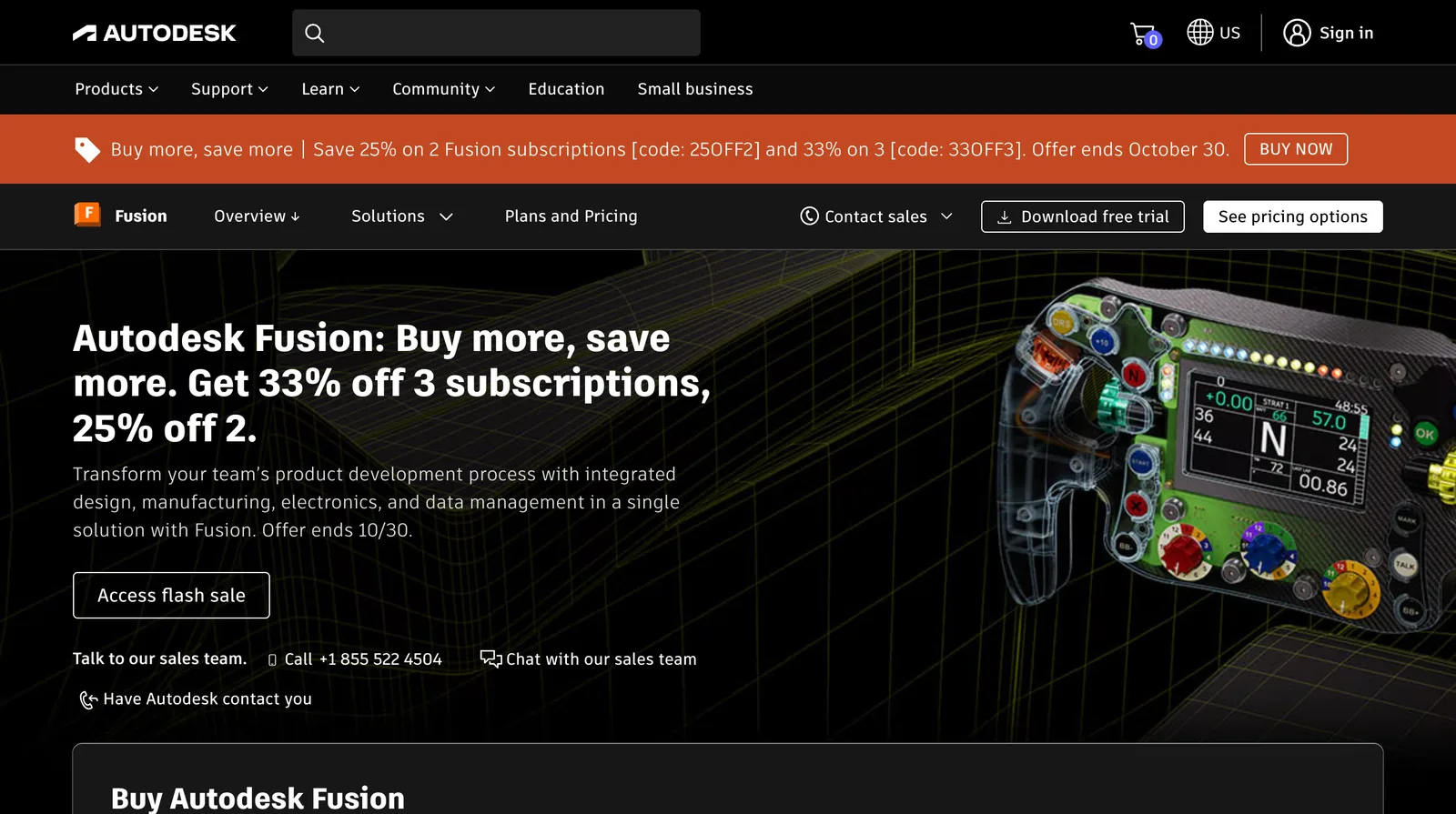
Fusion's AI is real but incremental. Since March 2026, Autodesk Assistant takes a typed request ("a box 80 by 40 by 20", "fillet these edges", "set up a toolpath") and runs the native Fusion operations, history kept. Generative design produces shapes from loads and constraints. And Fusion is becoming a hub for others' AI: Backflip runs inside it.
Price: $85 a month, or $680 a year ($57 a month). Fusion for Manufacturing is $2,040 a year and Fusion for Design $2,190. There is a 30-day free trial.
Where it falls short:the Assistant automates commands; it doesn't generate a whole part from a description. Autodesk's "neural CAD" for text-to-geometry was announced for 2026 but hadn't shipped when we checked. Generative design costs extra and its organic shapes often need rework before they can be made.
Best for: people already paying for Fusion. Not a reason to start.
8. Vizcom: best for concept design
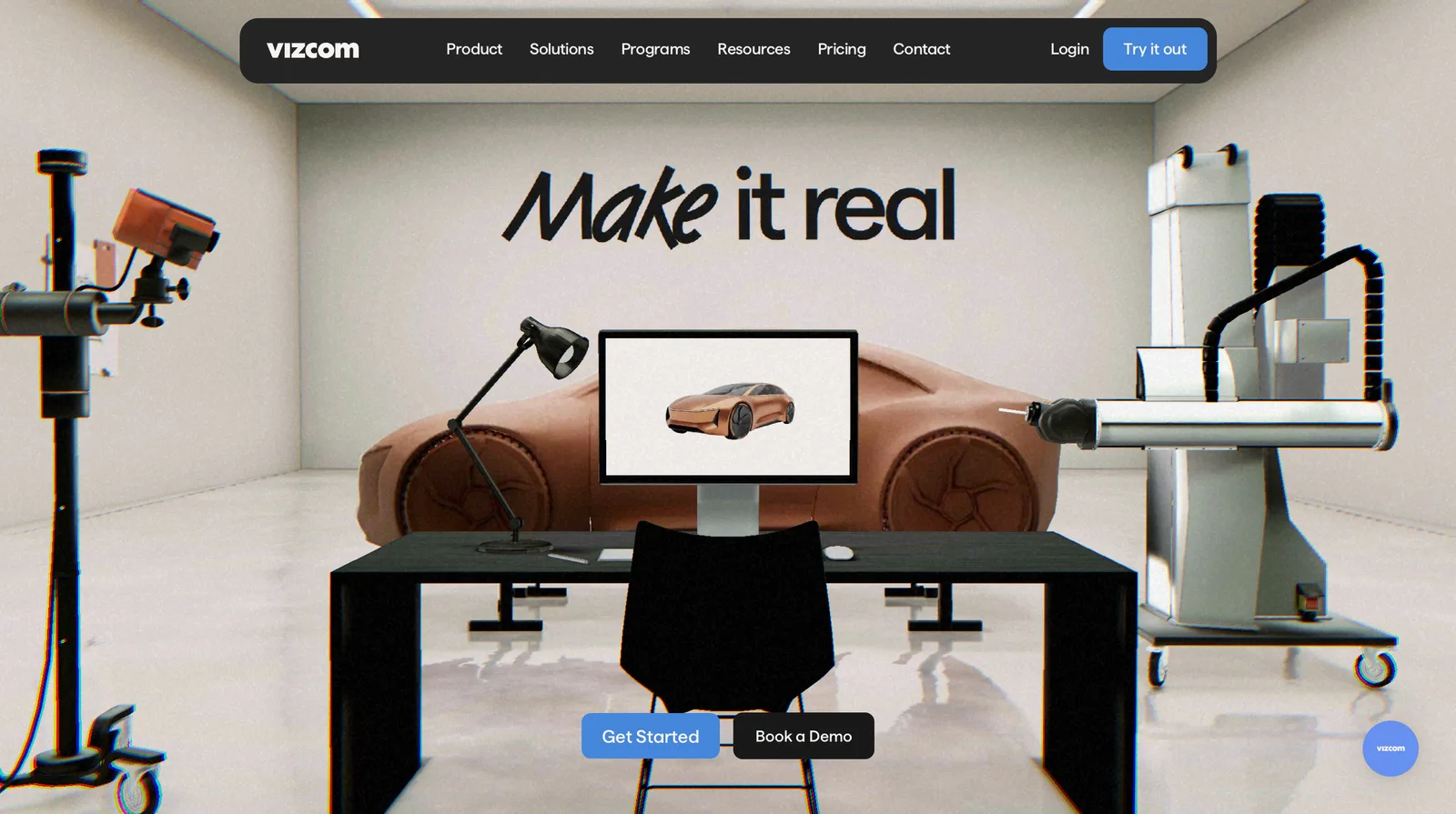
Vizcom is built for industrial and product designers. Draw a sketch or type a prompt and it renders it, varies it and turns it into a 3D model. The 3D comes out as a mesh, GLB, STL, USDZ, OBJ or FBX, which is right for concept reviews and wrong for manufacturing.
Price:the free Starter plan has 800 credits, about 200 images or 20 models. Professional is $49 per user a month for 20,000 credits; the page doesn't say whether that is the monthly or yearly rate, and yearly saves 30%. Education is free.
Where it falls short: no dimensions, no STEP, no feature tree. Everything has to be rebuilt in CAD before it can be made.
Best for: designers at the sketch-and-render stage.
9. Meshy: best for printed figures and visual assets
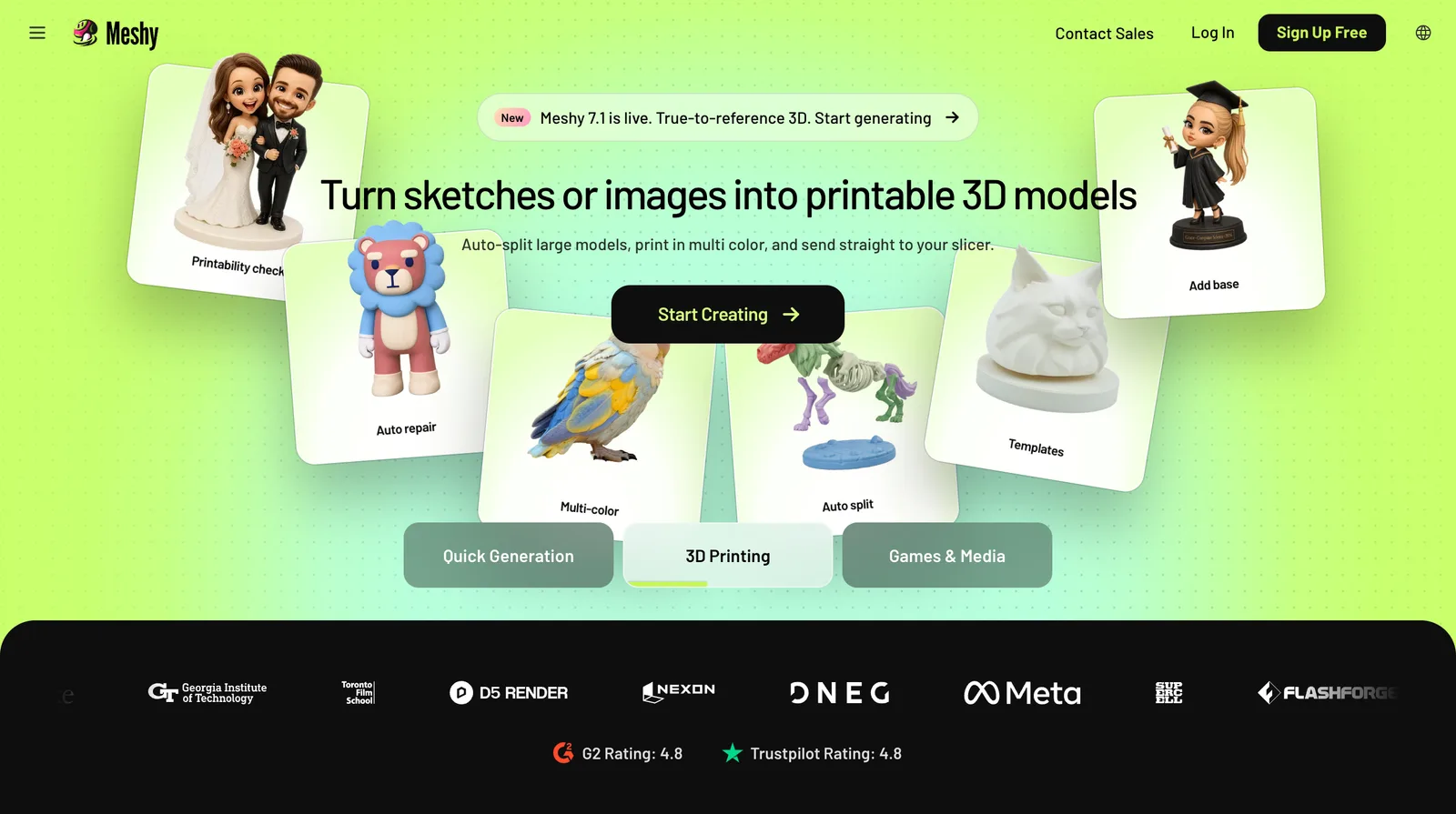
Meshy is on this list because it shows up in every "AI CAD" search, and you should know what it is: a text-or-image-to-3D mesh generator. The textured models (GLB, FBX, OBJ, STL, USDZ) look great and print well as figurines, props and game assets. They are not CAD.
Price: free gives 100 credits a month, with models under a CC BY 4.0 licence and 10 downloads. Pro is €19 a month for 1,000 credits and Premium €38 for 3,000 (prices shown to us in euros; a first-month discount was running).
Where it falls short: no dimensions, no accuracy, no STEP; meshes are not always watertight. The free tier was halved in August 2026.
Best for: 3D-printed figures, renders, games and AR.
What they cost
Per-credit pricing makes like-for-like comparisons hard, so here is the cheapest way into real use for each, and what that buys.
Cheapest regular paid plan, as listed 17 October 2026
| Tool | Monthly | Yearly (per month) | What you get |
|---|---|---|---|
| TechDraw AI | €29 (Starter) | €11 | About 24 drawings, PNG; DXF/DWG need Studio (€89, or €49 yearly) |
| Zoo Design Studio | $20 (Plus) | not shown | About 400 min of Zookeeper |
| Backflip AI | $20 (Builder) | not shown | 100 credits, 2 to 10 parts |
| MecAgent | $84 (Starter) | about 17% less | 40 runs, 1 drawing-to-CAD |
| Claude + CadQuery | $20 (Pro) | $17 | Unlimited scripts within usage limits |
| CADAM by Adam | $40 (Adam Pro) | not shown | Higher limits than free |
| Autodesk Fusion | $85 | $57 | Full Fusion with Autodesk Assistant |
| Vizcom | $49 per user | 30% less | 20,000 credits, about 500 models |
| Meshy | €19 (Pro) | not checked | 1,000 credits |
Tools we left out, and why
- Leo AI. A useful engineering assistant for part search, calculations and questions about your PDM, but not a CAD generator, and it publishes no prices.
- Tripo. A strong mesh generator, very like Meshy: 200 free credits a month (about 13 models, non-commercial), Pro $20 a month. Same limits, no CAD.
- SOLIDWORKS AURA and Onshape AI Advisor.Assistants that answer questions. SOLIDWORKS' picture-to-sketch is still a Labs beta, and Onshape's Advisor makes no geometry.
- Sloyd. Game-asset meshes; redundant with Meshy and Tripo for this list.
- Henqo and CADScribe.Both are listed in AI-tool directories as text-to-CAD, but we couldn't confirm either is a live product: one site refused to load and the other now serves an unrelated page.
How to pick in five minutes
- "I need a drawing or a DXF for a shop, a laser or AutoCAD." TechDraw AI. Start with the free drawing.
- "I need an editable STEP solid from a description." Zoo Design Studio.
- "I have an old part or old drawings to digitise." TechDraw AI for the drawing, Backflip for a feature-tree model in Fusion.
- "I work in SolidWorks all day." MecAgent.
- "I can code and don't want to pay." Claude writing CadQuery.
- "I want something to 3D print, not machine." CADAM for functional parts, Meshy for figures.
Whichever you try, give it a part you know and check every number it hands back. In our test the sizes we typed were right and the size we left to the AI was wrong. That pattern holds across this whole category.
FAQ
Frequently asked questions
What is the best AI CAD generator in 2026?
For most people, TechDraw AI: it turns a photo, a sketch or a sentence into a dimensioned technical drawing in about a minute, exports DXF and DWG on its Studio plan, and also turns a photo or a drawing into a 3D mesh. If you need an editable parametric solid and a STEP file from a text prompt, Zoo Design Studio is the better pick. If you work in SolidWorks, MecAgent generates parts inside it, and if you work in Fusion, Backflip rebuilds scans and drawings as feature-tree CAD there.
Is there a free AI CAD generator?
Yes, with limits. TechDraw AI gives a new account one drawing as a watermarked PNG. Zoo's free tier gives about 20 minutes of its Zookeeper agent a month, and Zoo trains on free users' data. Backflip gives 50 trial credits, MecAgent 11 runs, Vizcom 800 credits and Meshy 100 credits a month. Claude's free plan can write CadQuery or OpenSCAD scripts, and both of those are free and open source, so that route costs nothing if you can run code.
Can AI generate a STEP file from a text prompt?
Yes. Zoo Design Studio builds a parametric B-rep model from a prompt and exports STEP. Claude or ChatGPT can write a CadQuery script that exports STEP when you run it. MecAgent generates native SolidWorks parts, which SolidWorks can save as STEP. Mesh generators such as Meshy, Tripo and Vizcom cannot: their output is triangles, and converting a mesh to STEP does not give you editable features.
Can AI turn a photo of a part into a CAD file?
Yes, in two different ways. TechDraw AI turns a photo into a dimensioned 2D drawing with DXF and DWG export, and into a 3D mesh; you supply one real measurement to set the scale. Backflip rebuilds phone photos plus one known dimension, or a 3D scan, as a parametric model with a feature tree in Autodesk Fusion. A single photo cannot show true size or hidden features, so measure anything that has to fit another part.
Can ChatGPT or Claude make CAD models?
Not directly, but they can write the code that makes one. Ask for a CadQuery (Python) or OpenSCAD script, run it, and you get a STEP or STL file. It works well for simple parametric parts and badly for anything the model cannot see, because it gets no picture of the result unless you add tools for that. Onshape's official FeatureScript MCP server also lets Claude, ChatGPT or Gemini write native Onshape features.
Are text-to-3D tools like Meshy real CAD?
No. Meshy, Tripo and Vizcom's 3D mode produce textured triangle meshes: good for 3D-printed figurines, renders, games and AR, but with no dimensions, no feature tree and no STEP export. For a part that has to be machined or fit another part, you need a drawing or a parametric model, from a tool like TechDraw AI, Zoo, Backflip or MecAgent.
Is AI-generated CAD accurate enough to manufacture?
Treat it as a fast first draft, not a released drawing. In our test, TechDraw AI used every size we gave it but drew an M5 clearance hole at Ø5 rather than Ø5.5. Every tool here makes mistakes like that. Check each dimension, tolerance and fit against your requirements, and have someone qualified sign off anything safety-critical, before you send it to a shop.
Sources
- TechDraw AI: plans, tools and limits (llms.txt, read 17 Oct 2026)
- TechDraw AI: text to technical drawing (read 17 Oct 2026)
- Zoo: pricing (read 17 Oct 2026)
- Zoo: Text-to-CAD documentation
- Zoo: what's new, March 2026
- Backflip AI: pricing (read 17 Oct 2026)
- Autodesk: Backflip add-in for Autodesk Fusion
- Fabbaloo: hands-on with Backflip
- MecAgent: pricing (read 17 Oct 2026)
- Claude: plans and pricing (read 17 Oct 2026)
- PTC: Onshape launches FeatureScript MCP server
- Adam: pricing (read 17 Oct 2026)
- CADAM: open-source repository
- TechCrunch: Adam raises $4.1M to turn its text-to-3D tool into a CAD copilot
- Autodesk: Fusion pricing (read 17 Oct 2026)
- Autodesk: Autodesk Assistant enters a new era
- Autodesk: Fusion roadmap 2026
- Vizcom: pricing (read 17 Oct 2026)
- Vizcom: export formats
- Meshy: pricing (read 17 Oct 2026)
- Tripo: pricing (read 17 Oct 2026)